
Settings and account
Manage contact sync, writing style, Queue notifications, membership, and account deletion.
Settings holds contact sync, preferences, membership, and account controls. Use the section list on the left (or the chip bar on small screens) to jump to a section. Each account supports one contacts provider — iCloud or Google Contacts, not both.
- Open Settings with the gear in the header.
- Under Contacts, review iCloud. If iCloud is not connected, use Connect iCloud and enter an app-specific password once — you do not need to remember it after Memlane saves it. To change the password later, use Update app-specific password, then Update iCloud credentials.
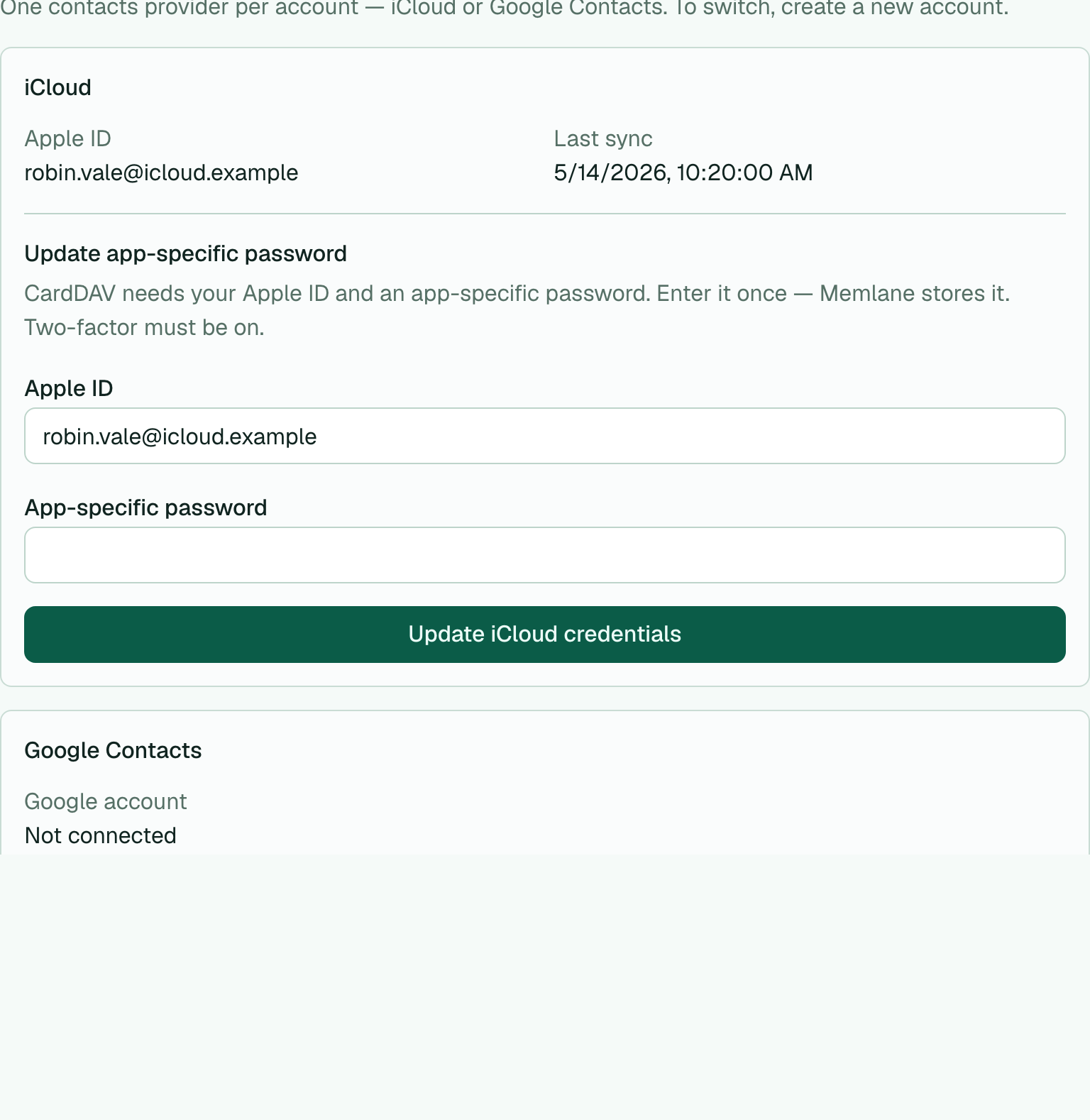
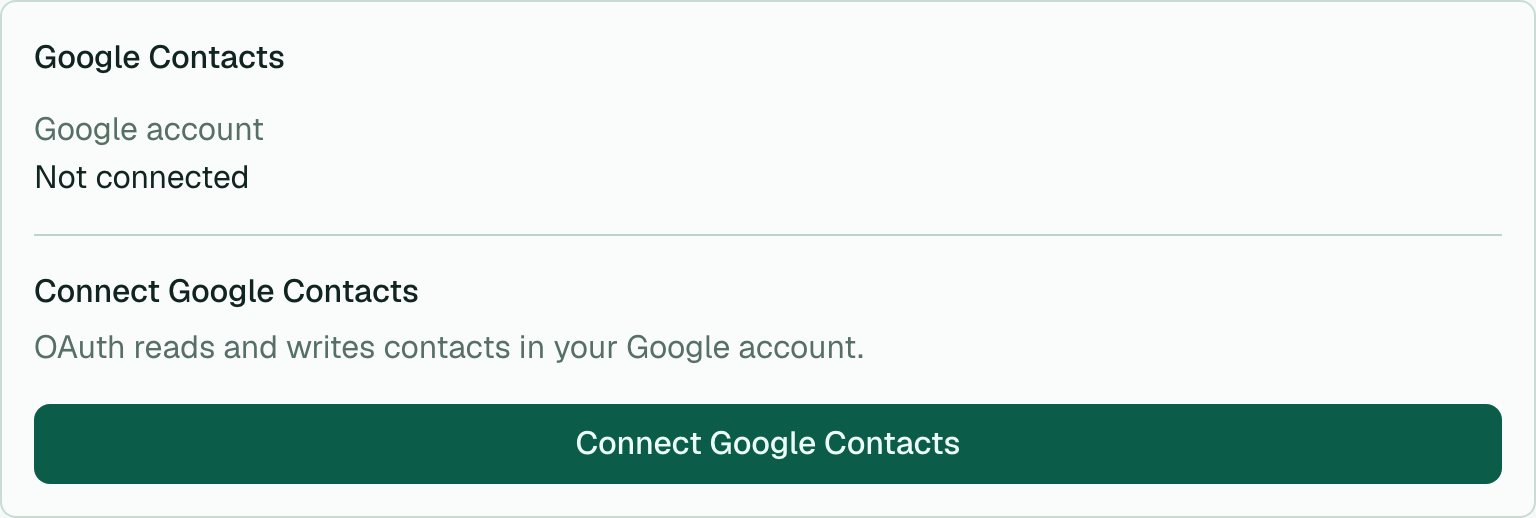
- Still under Contacts, review Google Contacts or choose Connect Google Contacts / Reconnect Google Contacts. OAuth handles sign-in. No app password. See Connect Google Contacts.
-
In Timezone, pick an IANA zone (or keep Device default) and choose Save timezone. This overrides Gathering schedule times and calendar sync. See Sync Gatherings to calendars.
-
In Calendar, connect Google or Apple calendar sync, or copy the private ICS URL.
-
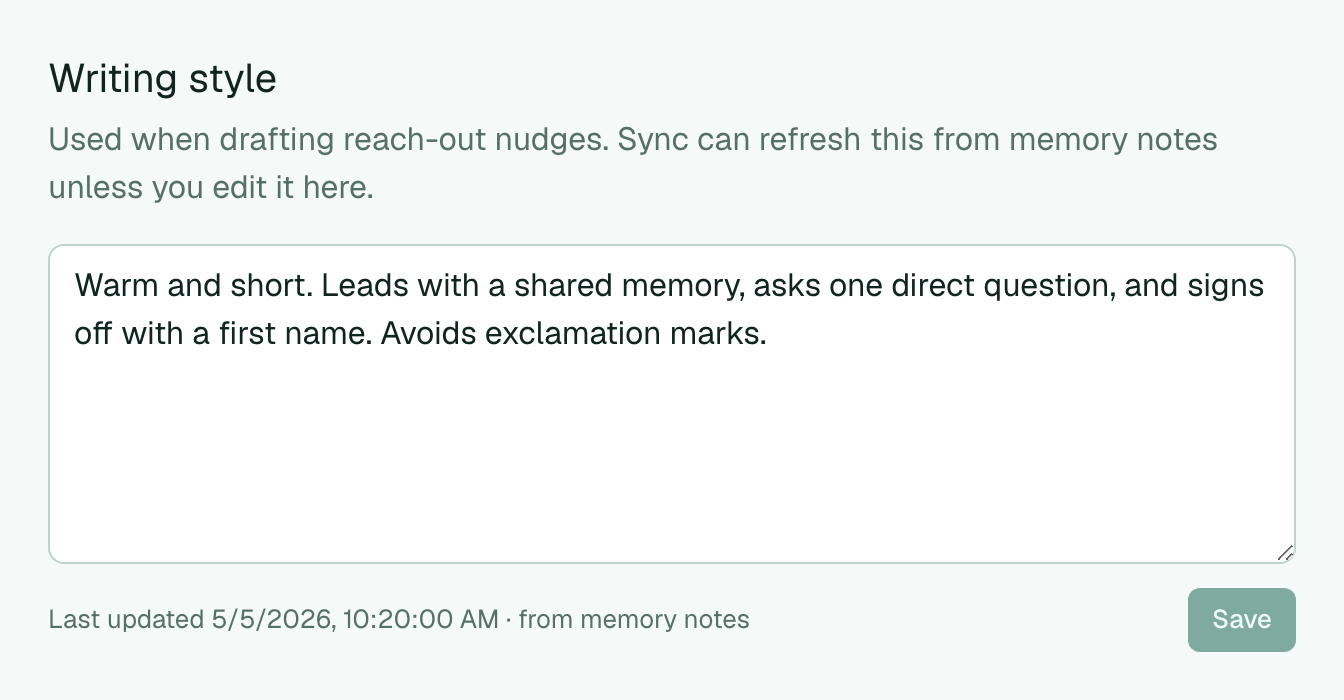
In Writing style, edit the summary Memlane uses for reach-out drafts, then choose Save. You can also ask the AI assistant (or an MCP agent) to update this profile.
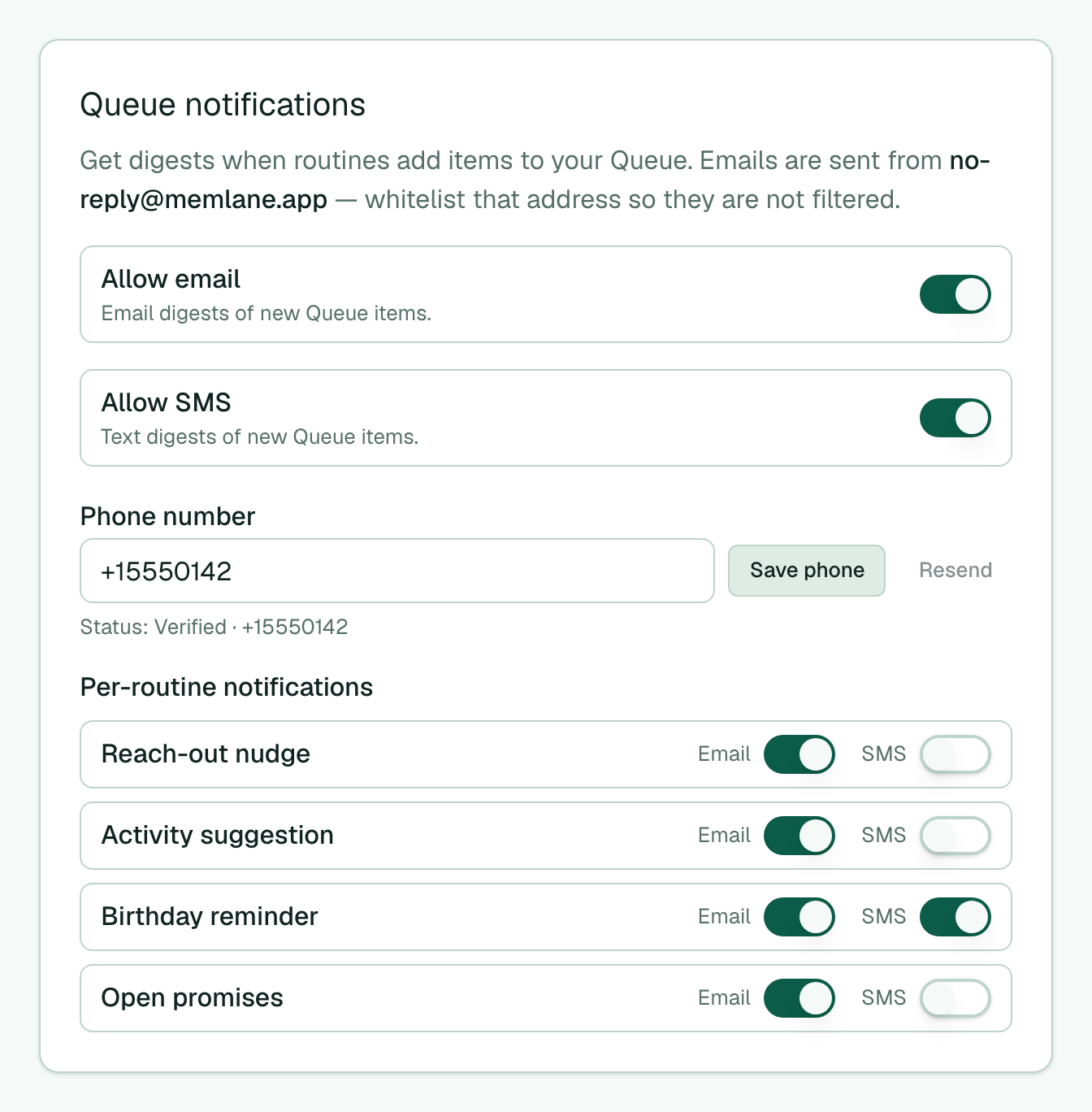
- In Queue notifications, set Allow email. Allow SMS needs Memlane Pro (phone verify, then the SMS toggle). Adjust per-routine toggles as needed.
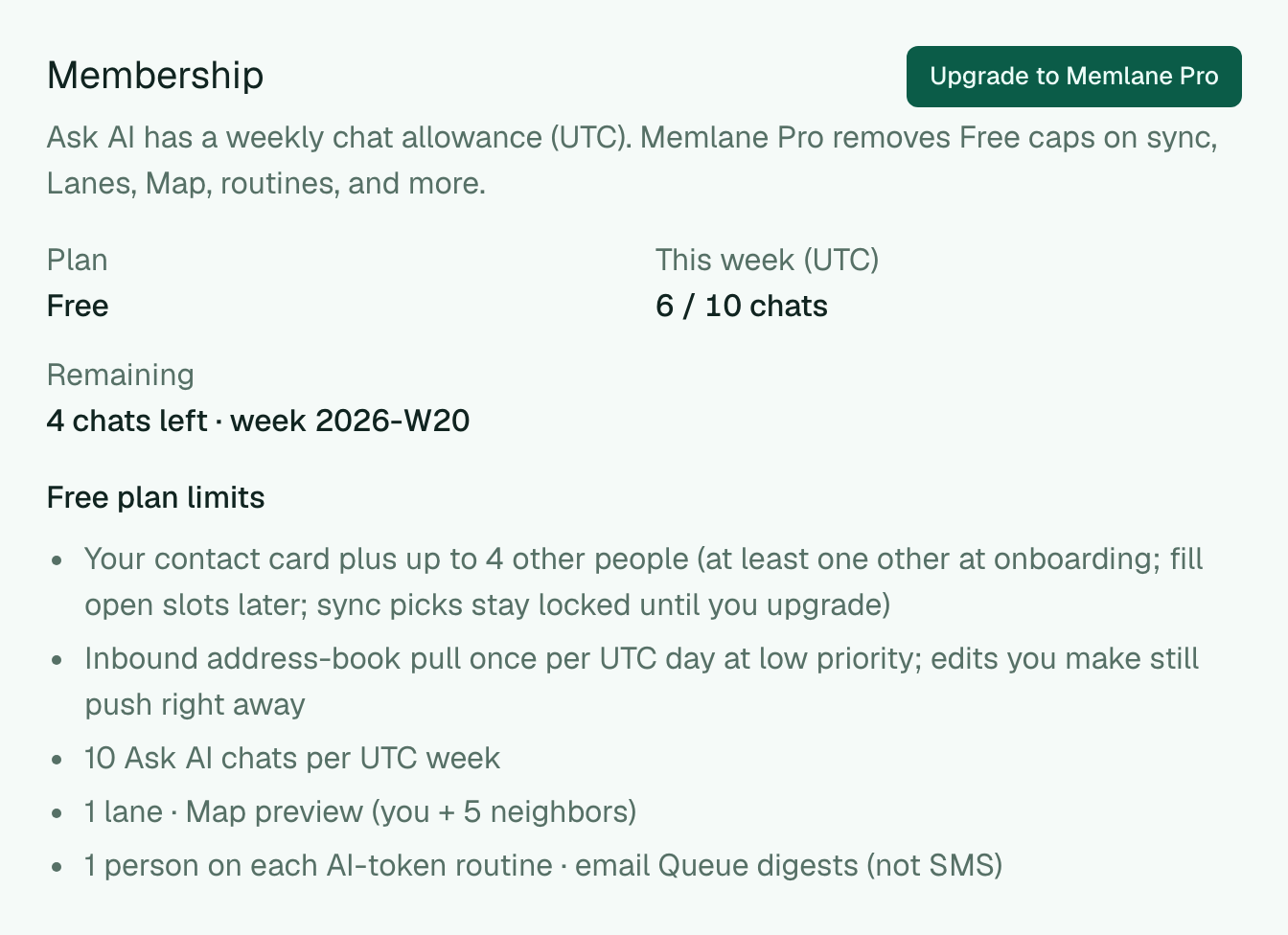
- In Membership, see your plan, weekly Ask AI usage, and (on Free) the Free limits list. Upgrade or manage billing there. See Memlane Pro.
-
In MCP server, connect agents when you are on Memlane Pro.
-
Under Delete account, type your email and choose Delete account. This removes your Memlane account, Clerk sign-in, and all Memlane data. It does not change contacts in iCloud or Google Contacts. During first-run onboarding, the same delete is Cancel and delete account in the top bar (confirm only; you do not type your email).
For first-time sync setup, see Choose how you manage contacts, Connect iCloud, and Connect Google Contacts.