
Get started with Memlane
Sign in, choose a contacts source, finish Free or Pro welcome steps, and open Contacts.
Memlane is a relationship and contact manager for Apple Contacts and Google Contacts. You can add contacts in Memlane without sync. When you connect iCloud or Google Contacts, your address book stays the system of record, and Memlane makes what it already provides more useful: visual boards for Lists and Related contacts, a Relationship Map to manage and build ties between people, richer Notes (categorized entries about someone: a shared experience, a fact, or a freeform note), proactive birthday reminders, and stage-based Lanes for tracking where relationships stand. An AI assistant and scheduled Routines help you stay connected.
Why Memlane
- Life gets busy. We forget the family and friends who matter, stop connecting, and drift apart.
- We forget details about people: children’s names, how we met, what matters to them.
- We forget promises and fail to keep our word.
- Friendships can grow lopsided. One person reaches out and gives more than the other.
- We cannot keep clear how people connect: who is related to whom.
Sign in with email, Google, or Apple. On first sign-in you must pick Google Contacts, iCloud, or create contacts manually. After you connect (or choose manual), Memlane walks you through a short welcome flow. On any onboarding step, choose Cancel and delete account (top bar) if you want to leave and permanently delete your Memlane account. Confirm in the dialog. This does not change contacts in iCloud or Google Contacts.
Free plan limits (see Memlane Pro for the full comparison):
- Your own contact card, plus up to 4 other people from iCloud or Google (or up to 4 people you create with no provider). Onboarding needs at least 1 other person. You can skip your card and set it later (before you add more people). You can fill open other slots later. Those sync picks are permanent until you upgrade.
- Inbound address-book pull once per UTC day at low priority. Edits you make in Memlane still push right away.
- 10 Ask AI chats per UTC week, 1 lane, Map preview (you plus 5 neighbors), 1 person per AI-token routine, email Queue digests (not SMS).
Connect your contacts, then for each person who matters add details in their Memories. That is enough to get value right away. Birthday reminder, Open promises, and Cooling reminder start On (Cooling tracks the favorites you star). Turn on AI Routines (Reach-out nudge, Activity suggestion) when you want those Queue reminders.
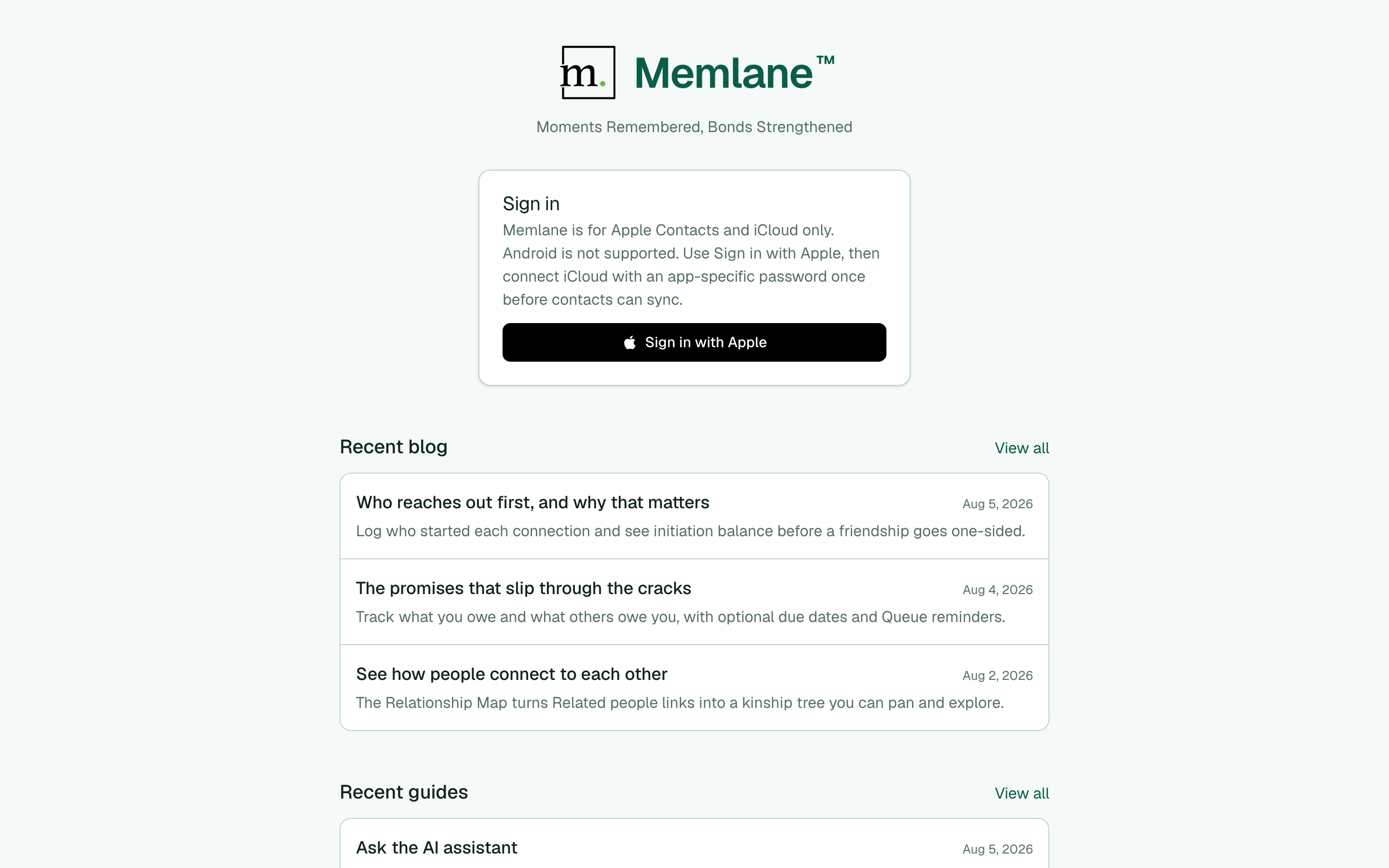
- Open Memlane. Select Start with your people or Sign in to reach the form below the welcome section. Choose email, Google, or Apple. For email, enter your address and password. Memlane signs you in or continues into sign-up for a new account.
The welcome page also links to the latest blog posts and guides. Select Pause motion to stop the example reminder animation. With reduced motion enabled on your device, the illustration stays still.
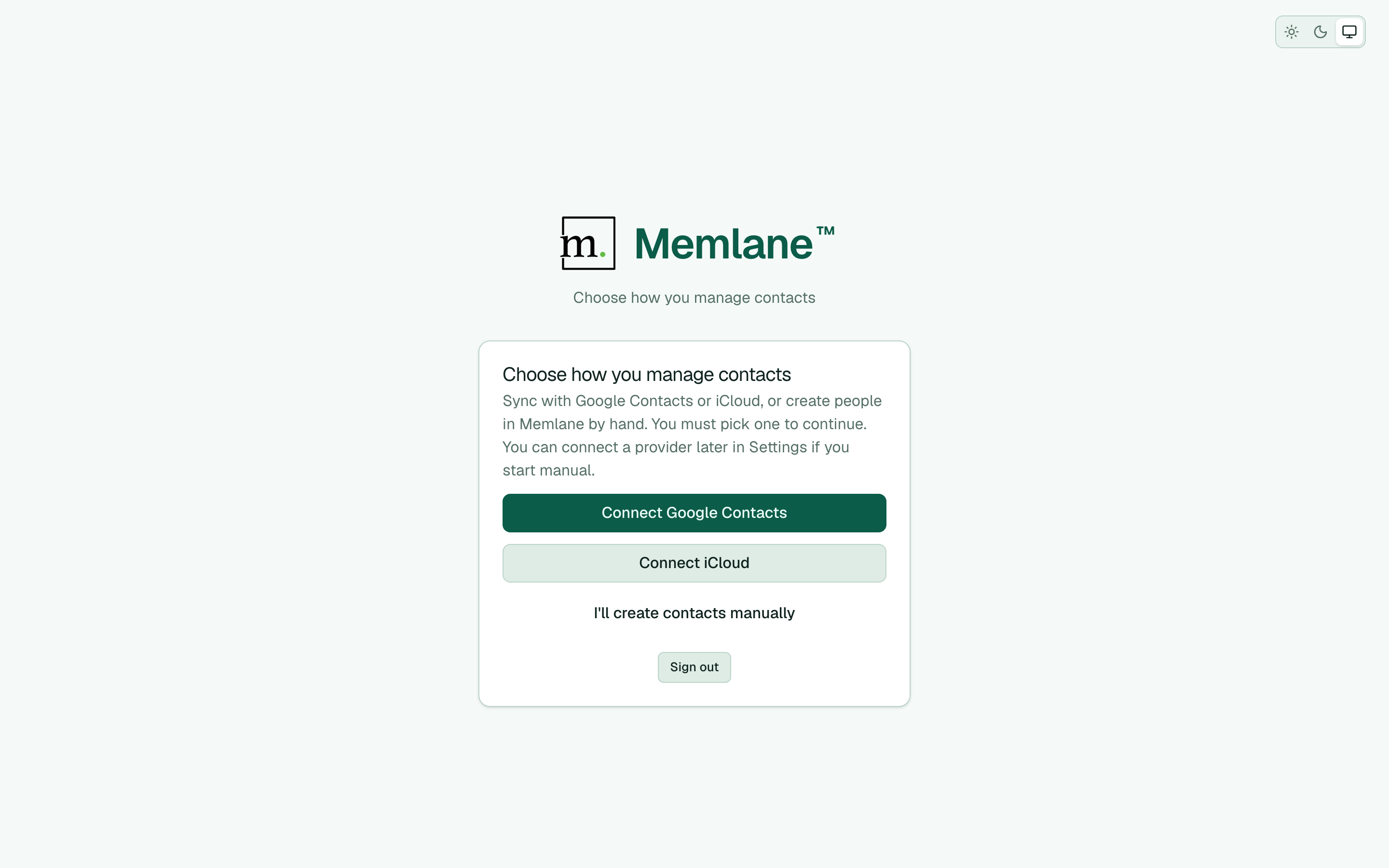
- On Choose how you manage contacts, pick Connect Google Contacts, Connect iCloud, or I'll create contacts manually. See Choose how you manage contacts.
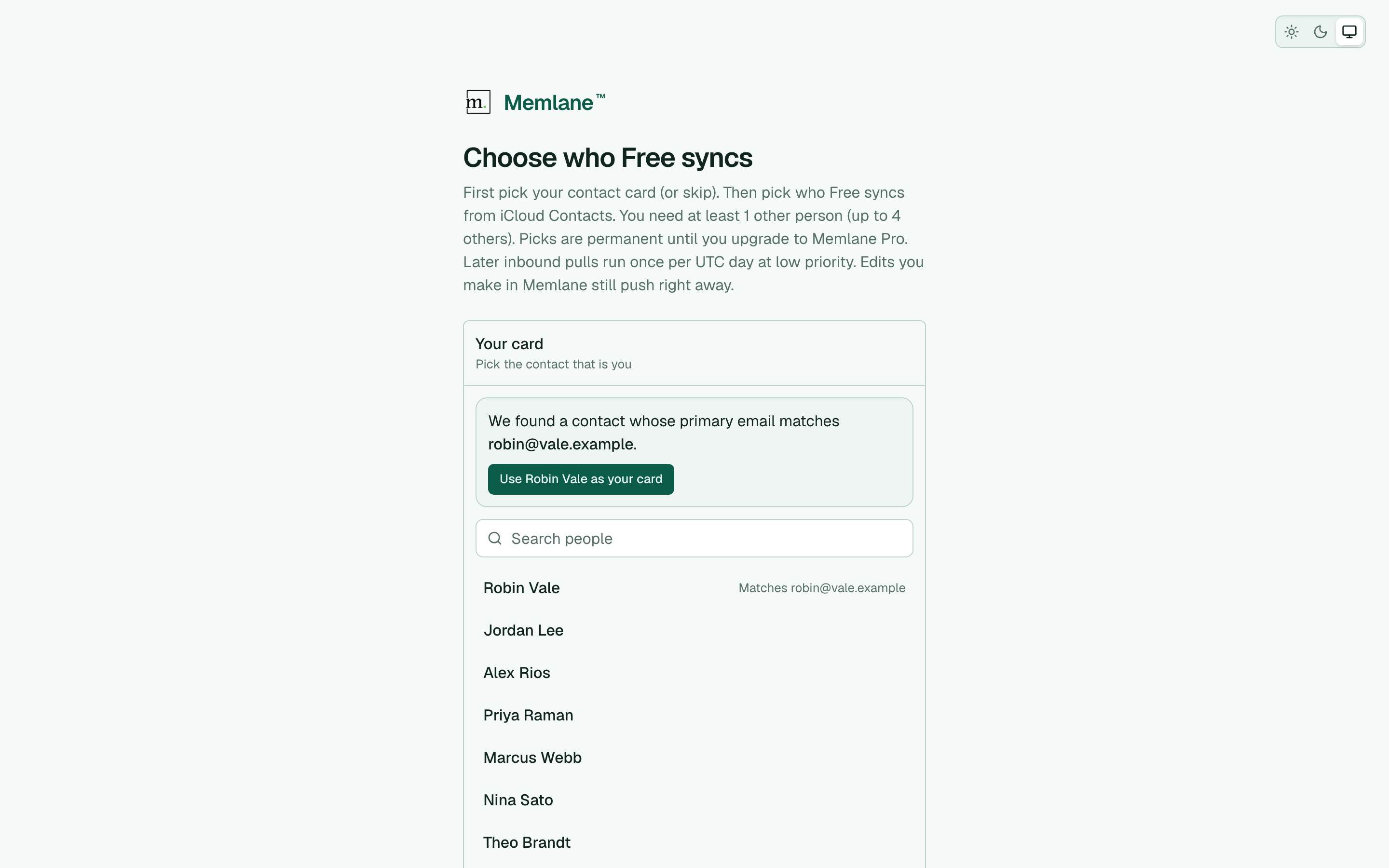
- Free + Google or iCloud: Memlane loads a light contact directory, then opens Choose who Free syncs. First pick your card (Memlane recommends a match when your sign-in email is that contact’s primary email), or Skip for now. Then pick at least 1 other person (up to 4 others). Those picks are permanent until Memlane Pro. Choose Lock picks and continue. If you skipped your card, a Contacts banner asks you to set it before you can add more people.
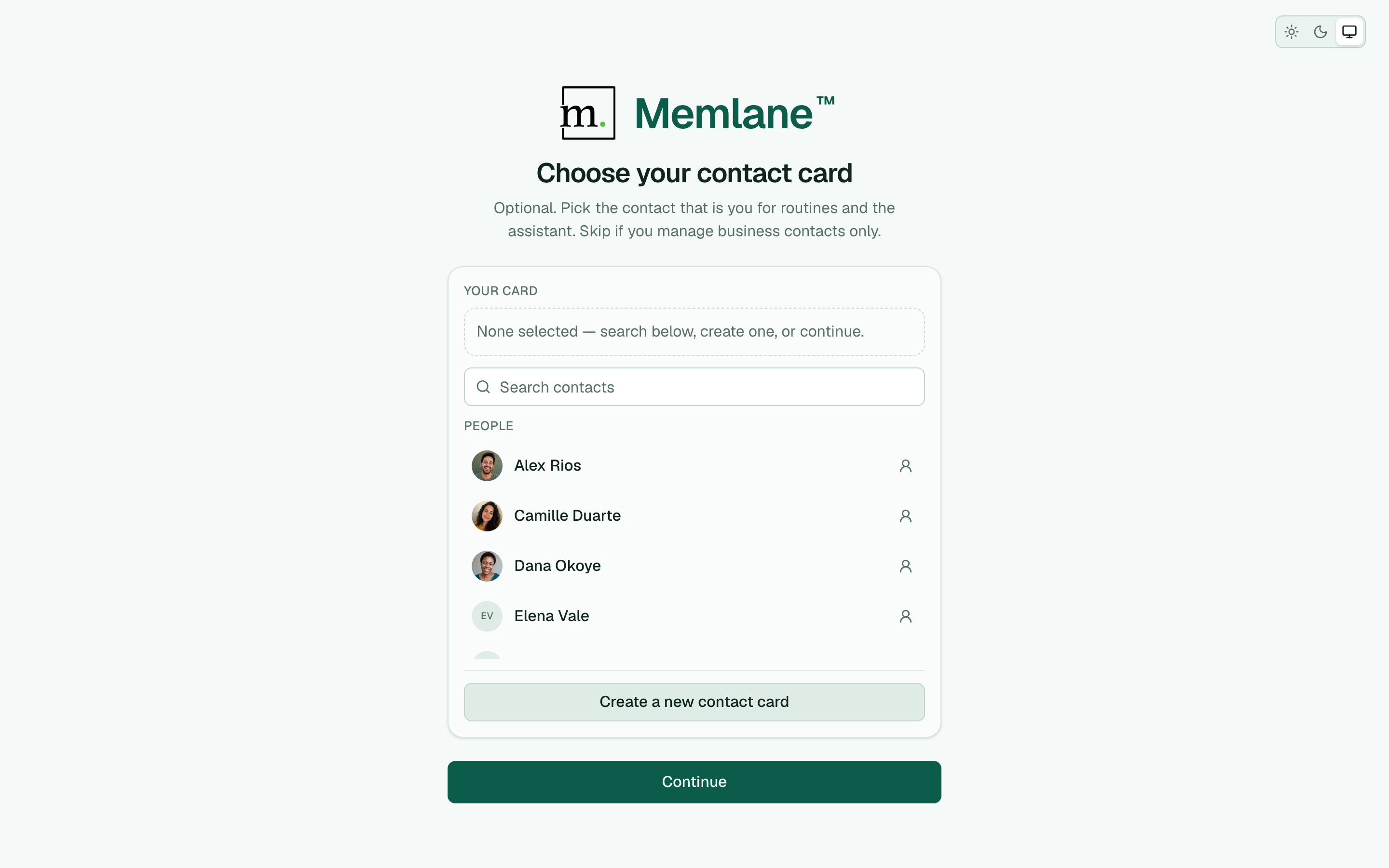
- Memlane Pro + Google or iCloud: Memlane imports the full address book, then opens Choose your contact card. Search or create the contact that is you, then choose Continue (you can continue with none).
Manual create skips the sync-people and contact-card steps (and favorites), then opens Meet your AI helpers.
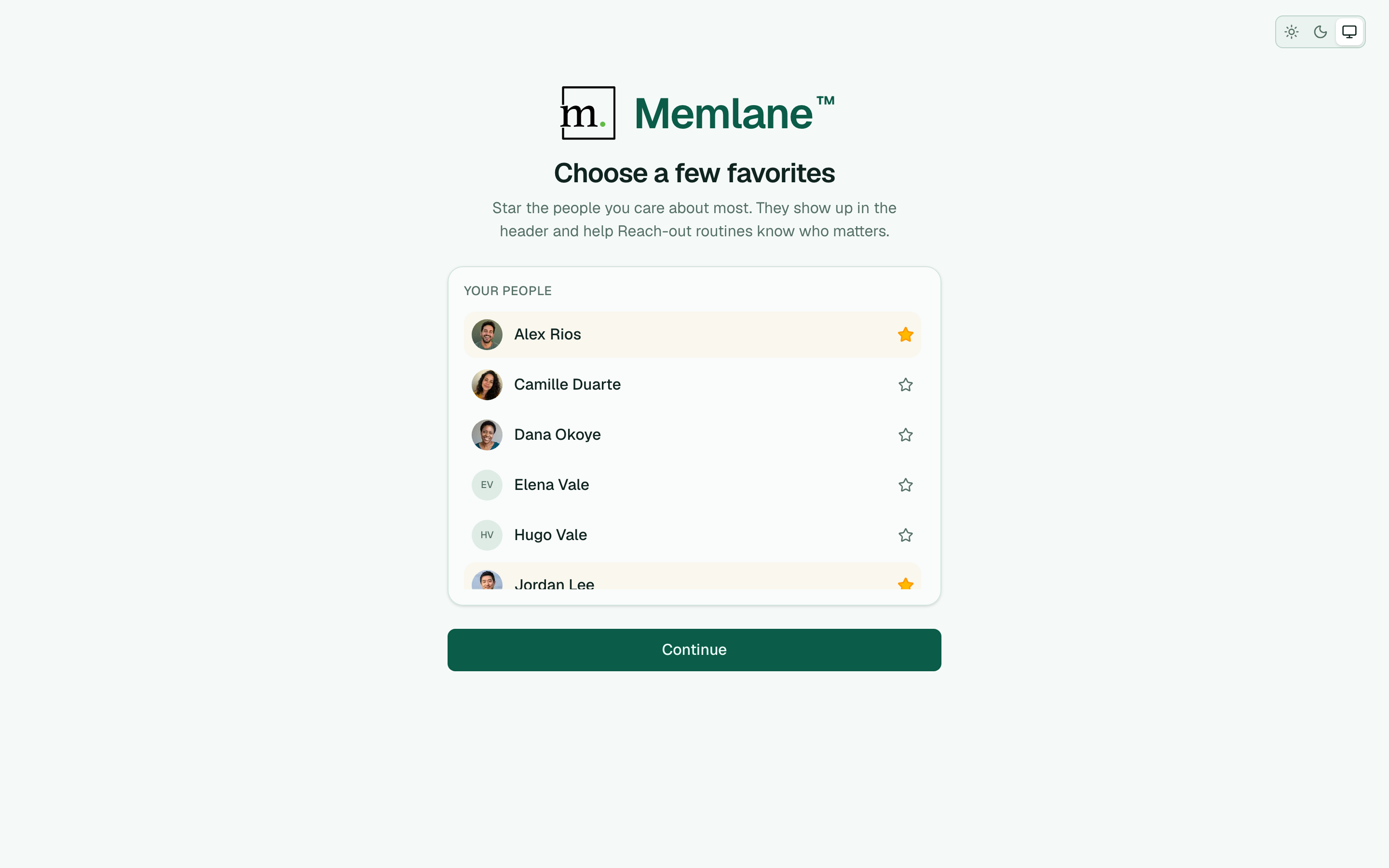
- Next, Memlane opens Choose a few favorites. Star people you care about from the list (on Free, that is only the people you already synced or created), then choose Continue (you can continue with none).
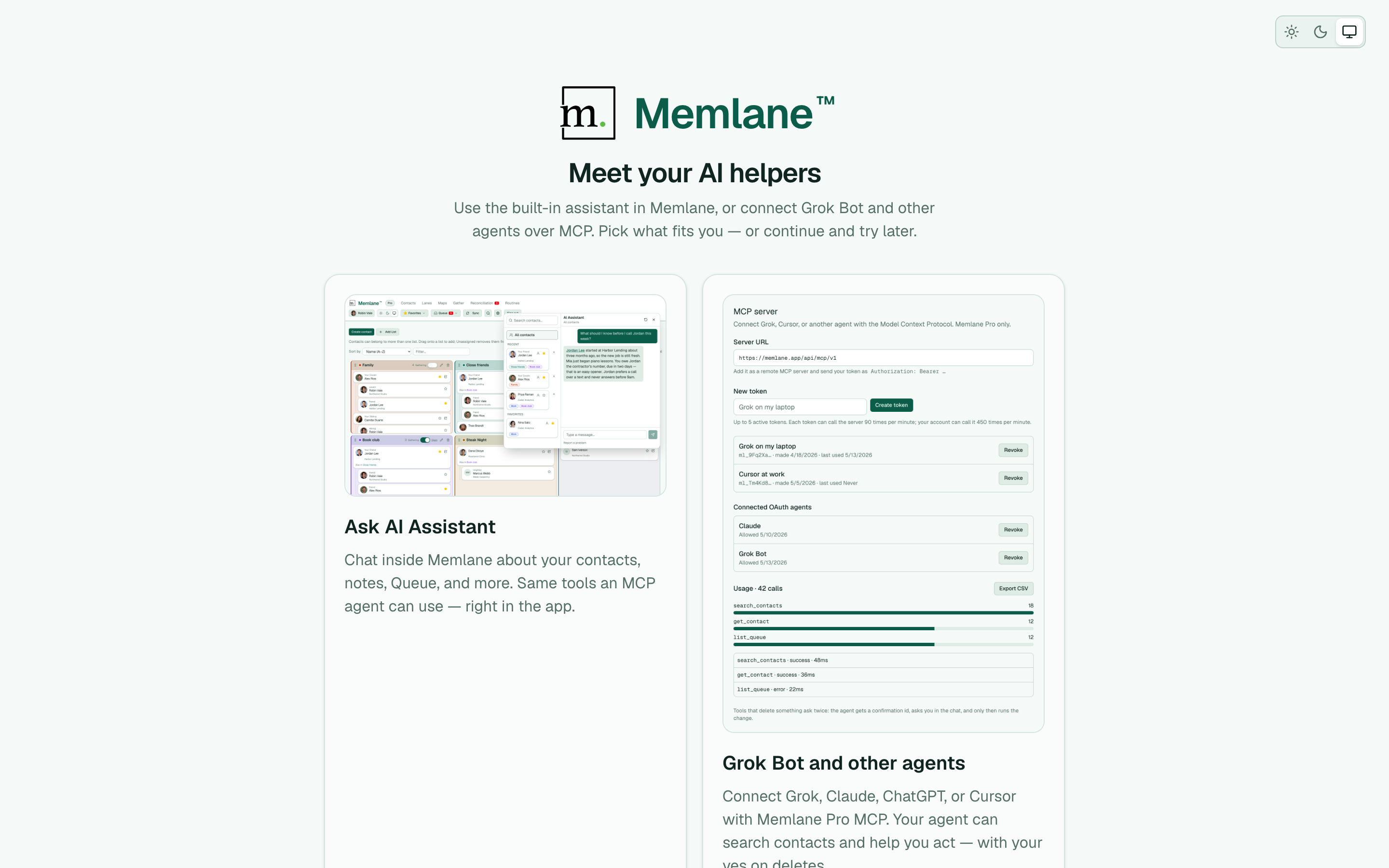
- On Meet your AI helpers, learn about Ask AI Assistant and Grok Bot and other agents. Choose Try the assistant to open the chat with Help me improve my contacts ready to send, open the MCP guide, or choose Continue.
- Memlane opens Contacts. If Free still has open sync slots, a banner asks you to connect more people (up to your card + 4). If you skipped your card, the banner asks you to choose it first. Create contact is blocked when you already have your card plus 4 other people.
See Connect iCloud and Connect Google Contacts when you are ready to sync. For later favorites, see Find and favorite contacts. For the assistant after welcome, see Ask the AI assistant.