01 / Queue
“I meant to reach out.”
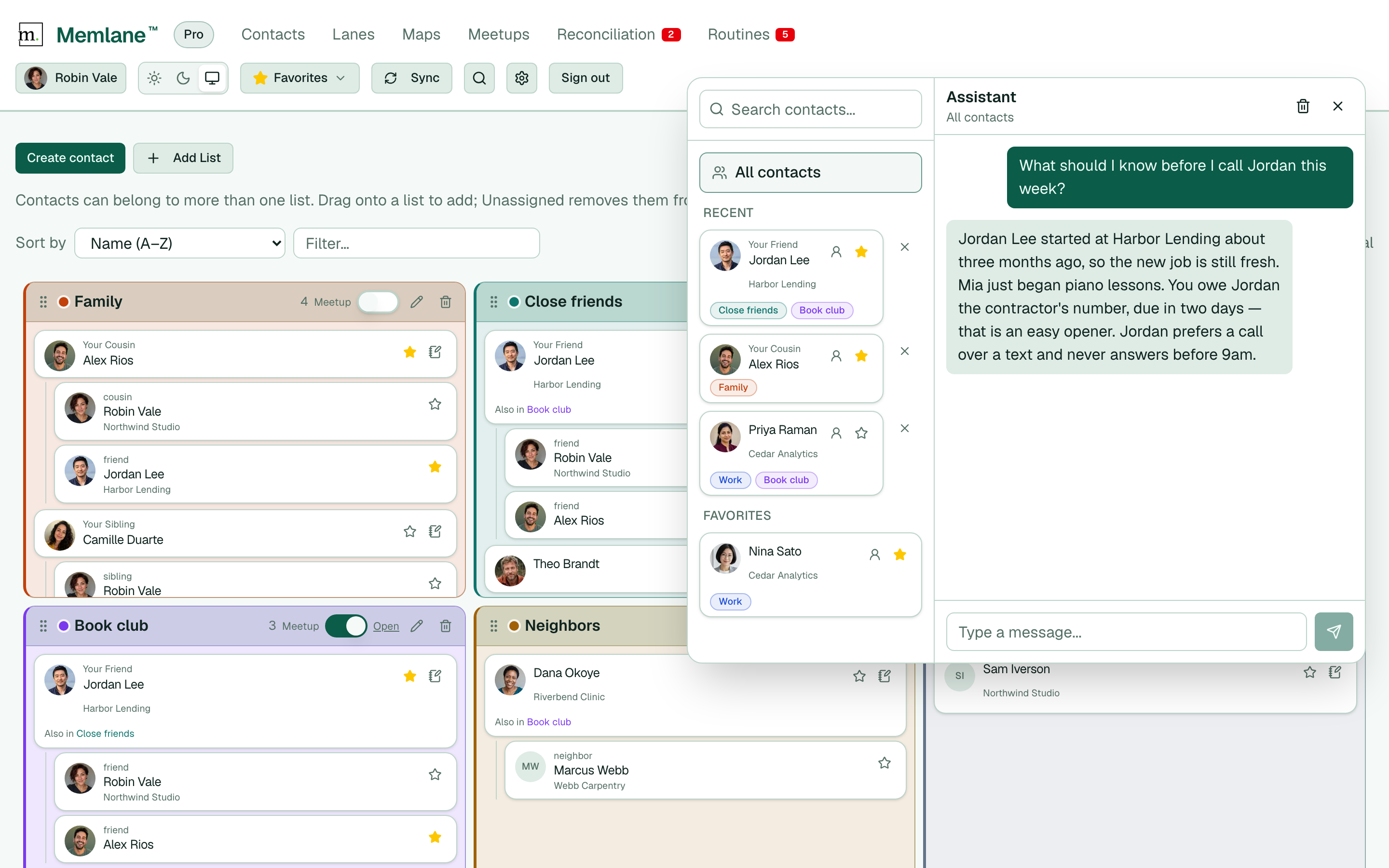
See birthdays, reach-outs, and due promises in one Queue. Know who needs your attention next.
Make room for a catch-up Memlane™
For the people who matter
Life gets busy. Keep track of who to reach out to, the details that matter, and the promises you want to keep.
Connect Apple or Google Contacts. Or start without sync.



A DATE WORTH REMEMBERING

Jordan’s birthday
A little heads-up. A lot of care.
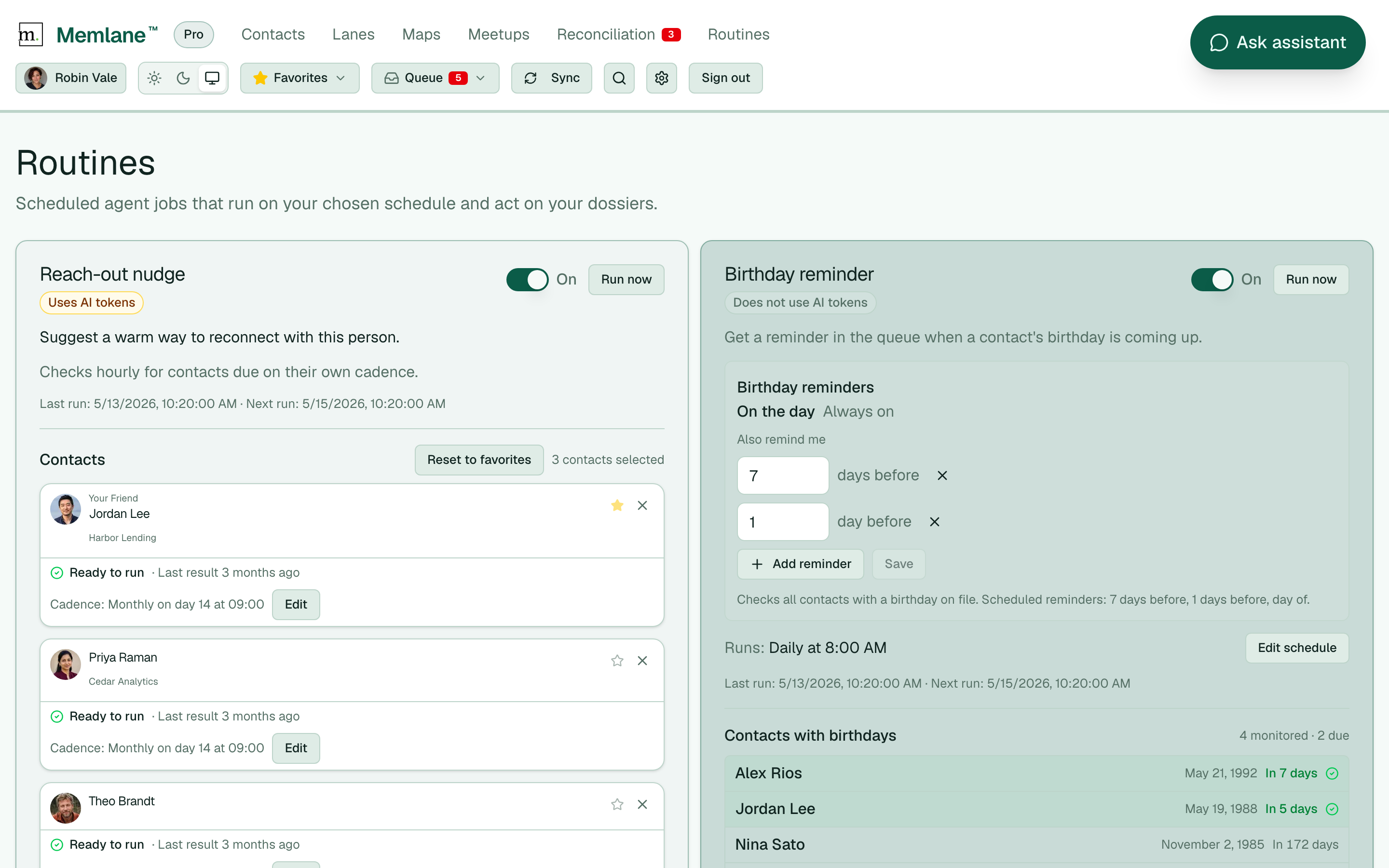
Birthday reminderIn 7 days
A GOOD TIME TO RECONNECT

Catch up with Nina
Make time for that coffee.
Reach-out nudgeThis week
A PROMISE TO KEEP

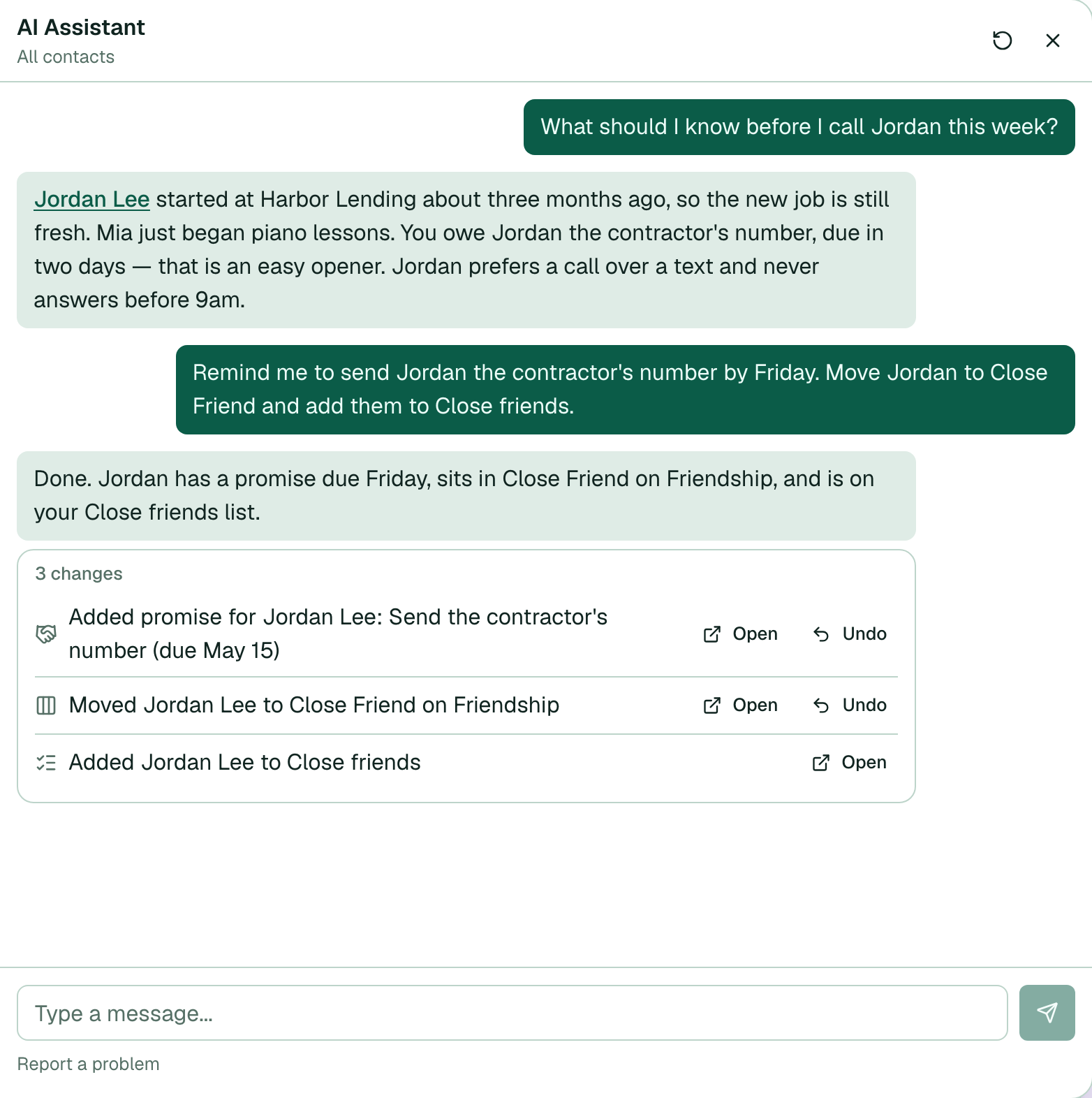
Send Alex the trail guide
You said you’d share it.
Open promisesToday
Your people, a little closer
Sign in or create your account.
Your next catch-up starts here.
Less to remember. More room to care.
Not a sales funnel. Not another inbox.
A little help for your real relationships.
01 / Queue
See birthdays, reach-outs, and due promises in one Queue. Know who needs your attention next.
Make room for a catch-up02 / Memories
Save the small details, shared moments, and things that matter. Pick up where you left off.
Remember the little things03 / Gather
Give the next dinner or group walk a date. Keep group plans from getting lost in the chat.
Turn next time into a planA little help along the way
Ideas for your relationships. Simple steps to make Memlane work for you.