
Find and favorite contacts
Search from the header, star favorites, and reorder the Favorites panel.
Header search and favorites help you reach important people quickly from any page.
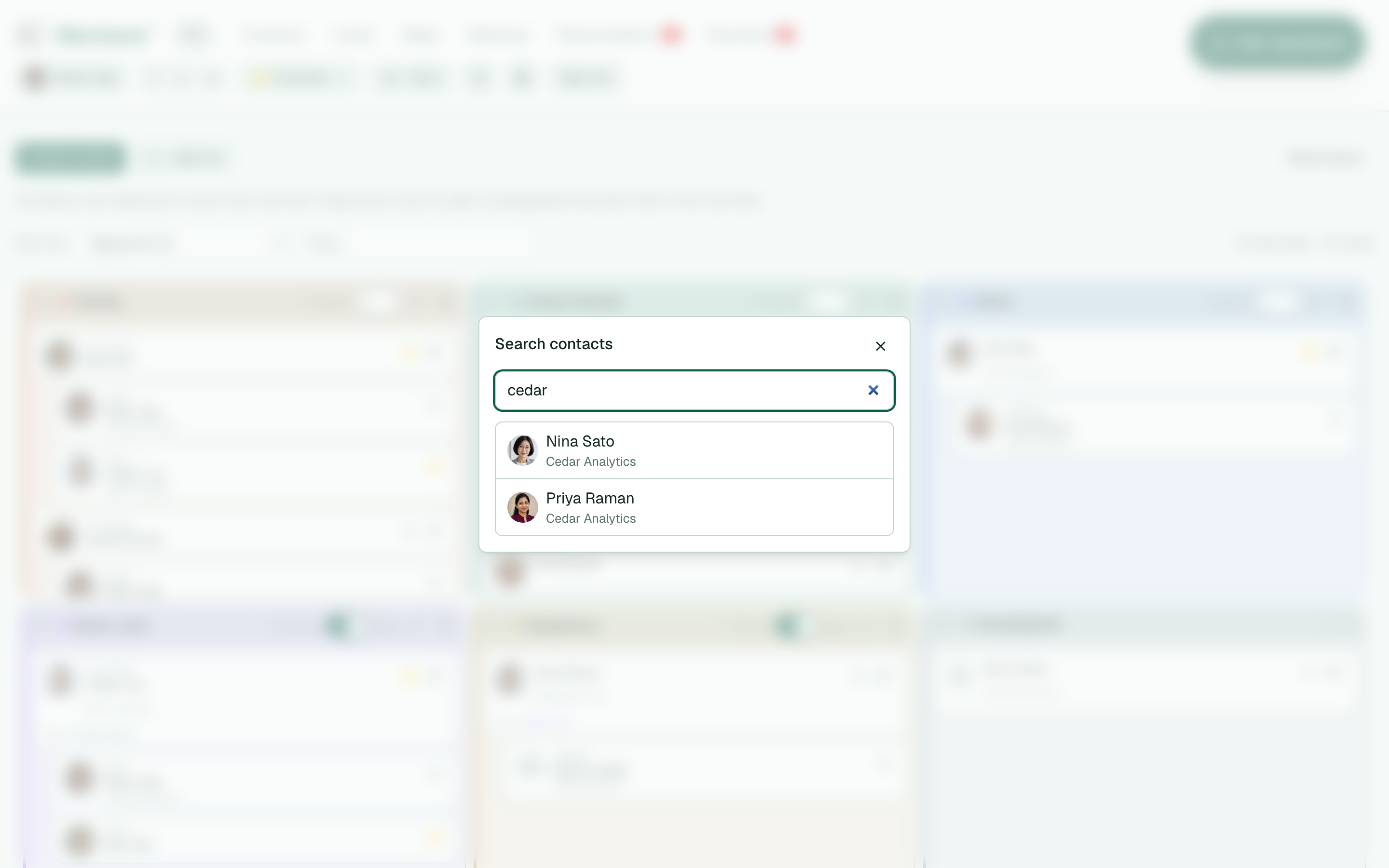
- In the header, open Search contacts (magnifying glass).
- Type a name, company, email, or phone, then choose a match to open that contact. See Contact profiles for what appears on the page.
- On a contact card or contact page, select the star to Favorite that person (select again to unfavorite).
- Open Favorites in the header to show the favorites panel under the nav.
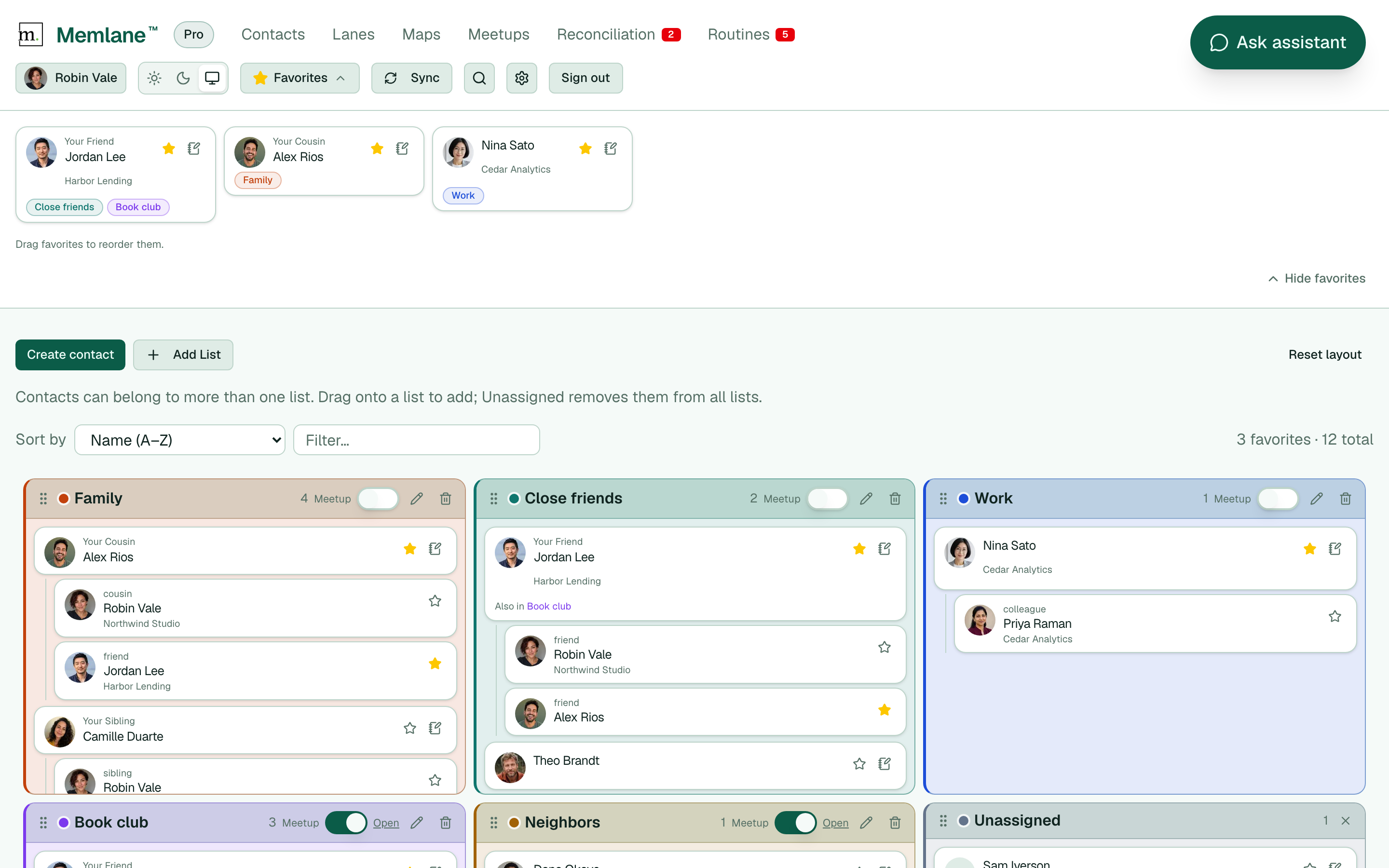
- On desktop, drag favorites to reorder them. Choose Hide favorites when you want the panel closed.
When the panel is empty, star contacts to add favorites. Favoriting also adds them to the Cooling reminder Routine (and can seed Reach-out). Unfavoriting removes them from Cooling reminder. Manage the roster on Routines. For Momentum and Queue nudges when someone goes quiet, see Contact Momentum.
For board filters and list panels, see Contacts board.