
Connect Google Contacts
Link Google Contacts so Memlane can import and sync your address book.
Memlane can sync with Google Contacts when you connect Google on first run or later in Settings. Free syncs your card plus up to 4 other people; Memlane Pro syncs the full book. See Memlane Pro.
Each Memlane account supports one contacts sync provider. If you use iCloud on an account, you cannot also connect Google Contacts on that account. Create a new Memlane account to switch providers.
First sign-in
- After you sign in, open Choose how you manage contacts.
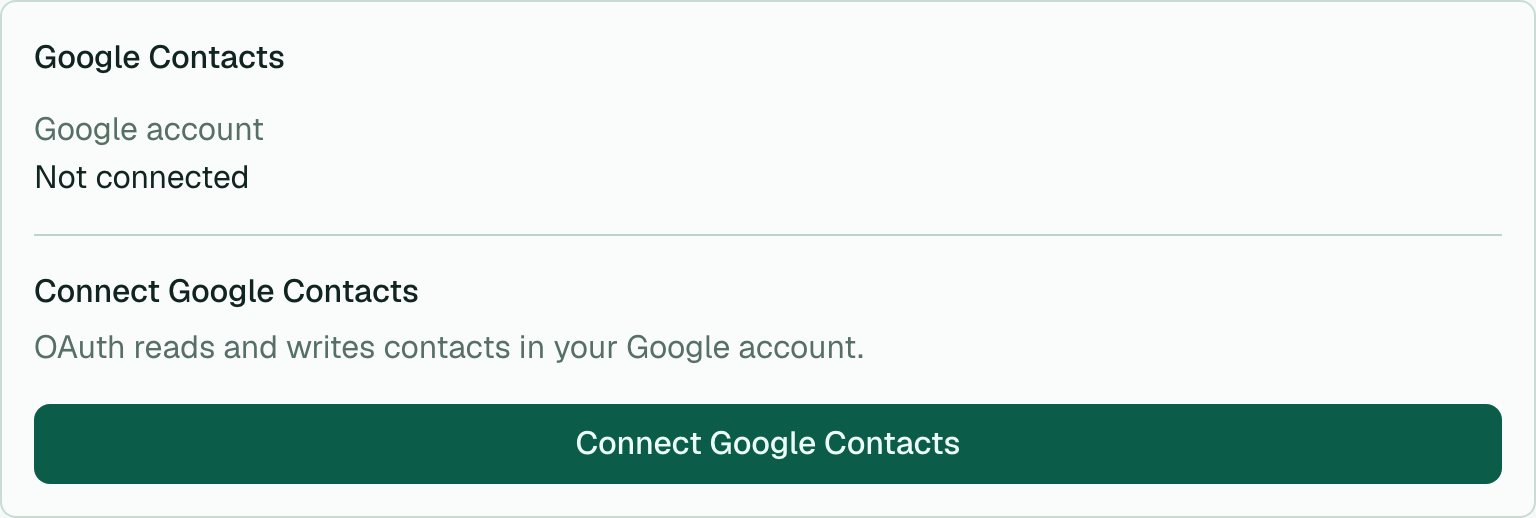
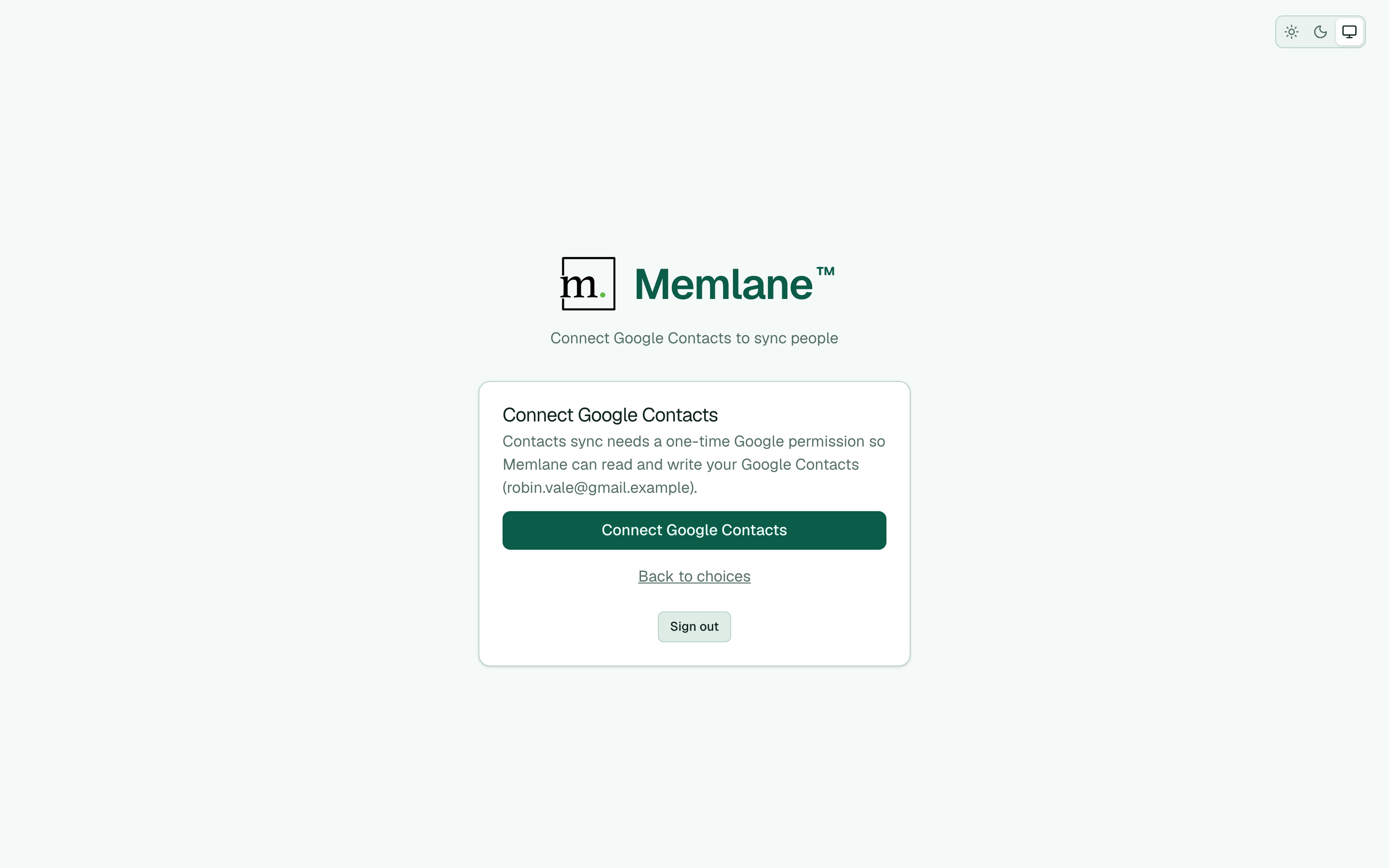
- Choose Connect Google Contacts (primary when you signed in with Google or email). Memlane opens Google permission right away.
- Approve the Google contacts permission.
- Wait for the activity banner. On Free, Memlane loads a light directory, then asks you to pick your card (or skip) plus at least 1 other person (up to 4 others; permanent until Memlane Pro). Memlane Pro imports the full book.
- Memlane continues the welcome flow (Choose who Free syncs on Free, or Choose your contact card on Memlane Pro), then Choose a few favorites, Coming up, and Contacts. See Get started with Memlane and Memlane Pro.
Or choose I'll create contacts manually, then connect later from Settings.
From Settings
- Open Settings.
- In Contacts sync, choose Connect Google Contacts.
- Sign in with Google and approve the contacts permission.
- Wait for the activity banner to finish the first import.
After connect, contacts you create in Memlane push to Google Contacts in the background. Contact lists sync as Google Labels. Related people sync through Google's Relationship field (relations on each contact).
See also: Choose how you manage contacts, Connect iCloud, Contacts board.