
Connect iCloud
Link your iCloud account with an app-specific password so Memlane can sync contacts.
Memlane can sync with Apple Contacts over iCloud. You can also create contacts in Memlane without iCloud and connect later from Settings. Free syncs your card plus up to 4 other people; Memlane Pro syncs the full book. See Memlane Pro.
Each Memlane account supports one contacts sync provider. If you use Google Contacts on an account, you cannot also connect iCloud on that account. Create a new Memlane account to switch providers.
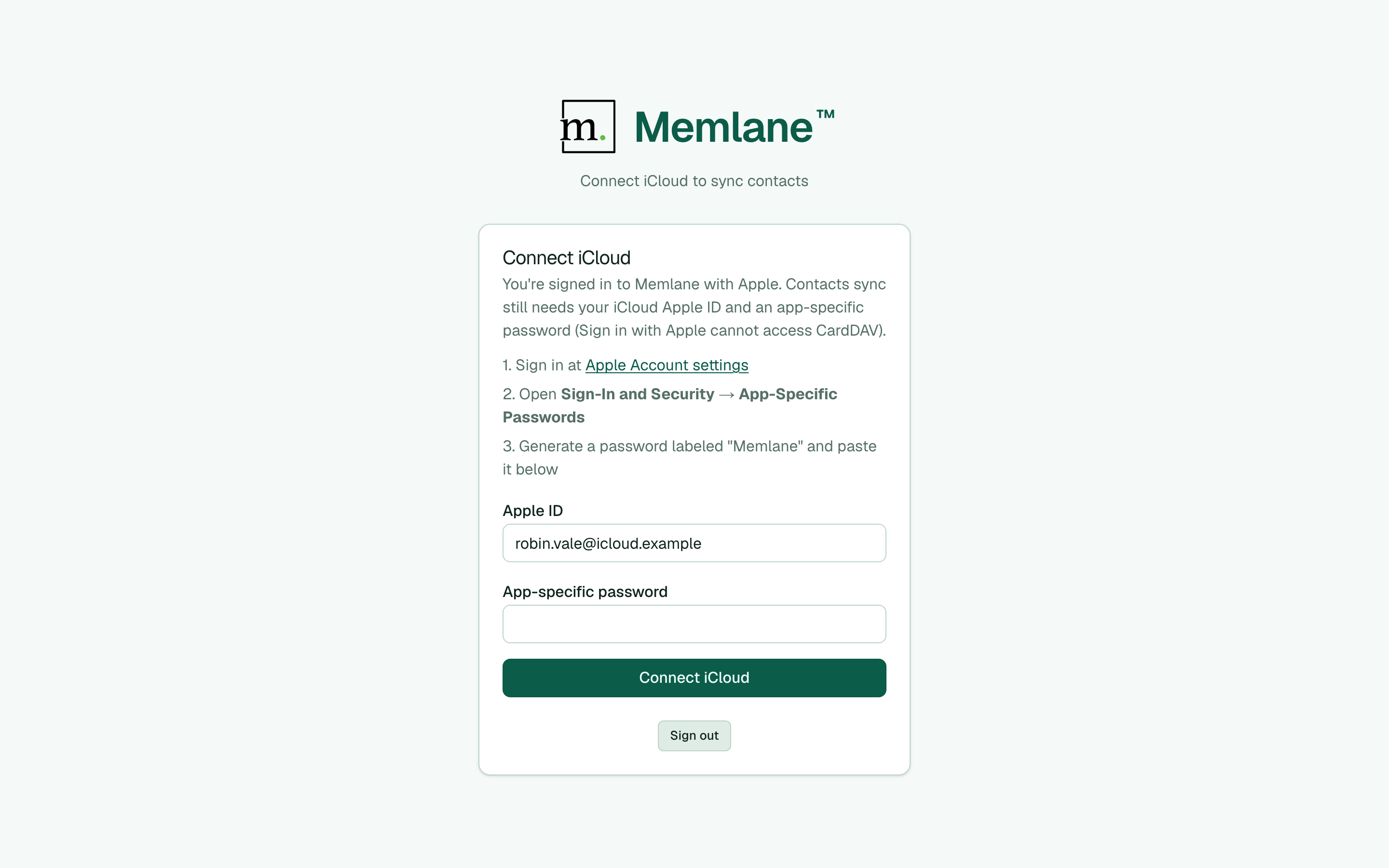
First sign-in
- Sign in to Memlane.
- On Choose how you manage contacts, choose Connect iCloud (primary when you signed in with Apple).
- Enter your Apple ID email and an app-specific password (not your main Apple password). You do not need to remember this password — paste it once into Memlane and Memlane stores it for sync. Your Apple ID must have two-factor authentication on. Create a password at appleid.apple.com under Sign-In and Security → App-Specific Passwords.
- Submit the form. On Free, Memlane loads a light directory, then asks you to pick your card (or skip) plus at least 1 other person (up to 4 others; those picks are permanent until Memlane Pro). Memlane Pro syncs the full address book. Contacts you already made in Memlane go out to iCloud when they fit your plan. If the same person is on both sides with different details, Reconciliation asks which value to keep.
- Memlane continues the welcome flow (Choose who Free syncs on Free, or Choose your contact card on Memlane Pro), then Choose a few favorites, Coming up, and Contacts. See Get started with Memlane and Memlane Pro.
Or choose I'll create contacts manually, then connect later from Settings. Use Back to choices on the connect form to return to the picker.
From Settings
- Open Settings.
- Under iCloud account, choose Connect iCloud.
- Enter your Apple ID and app-specific password once, then submit. You do not need to remember the password after that.
If something fails, double-check the app-specific password and that two-factor authentication is enabled on your Apple ID.
See Choose how you manage contacts, Reconciliation inbox, and Contacts board.