
Related people
Link contacts with relationship labels and sync those ties to your address book when connected.
Related people on a contact page extends related contacts from Apple Contacts or links you build in Memlane. You set who someone is to another person: spouse, sibling, child, and more.
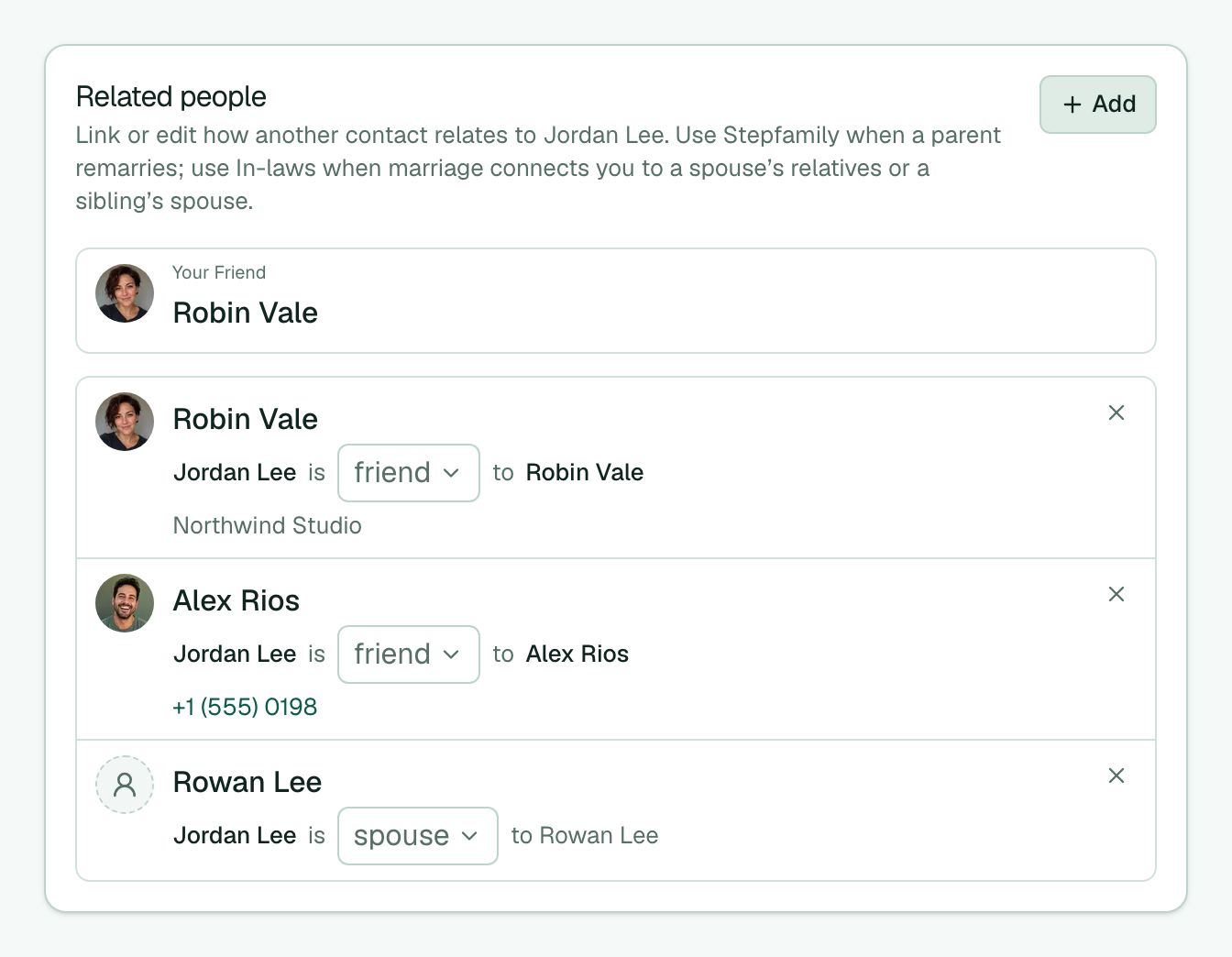
- Open a contact and find the Related people section.
- Select Add, then pick a relationship label.
- Search a name and select the contact to link. For some labels, also choose how they relate back.
- Select Add 1 person (or Add N people) to save the link.
- When you link family, review Suggested — choose the relationship, then Add, then select Add on each suggestion you want.
- Change a label on an existing row, or use the remove control to drop a link.
When the person links to your own contact card, a pinned Your {relationship} row sits at the top of Related (for example Your Father) and opens your card. The editable list below stays the same.
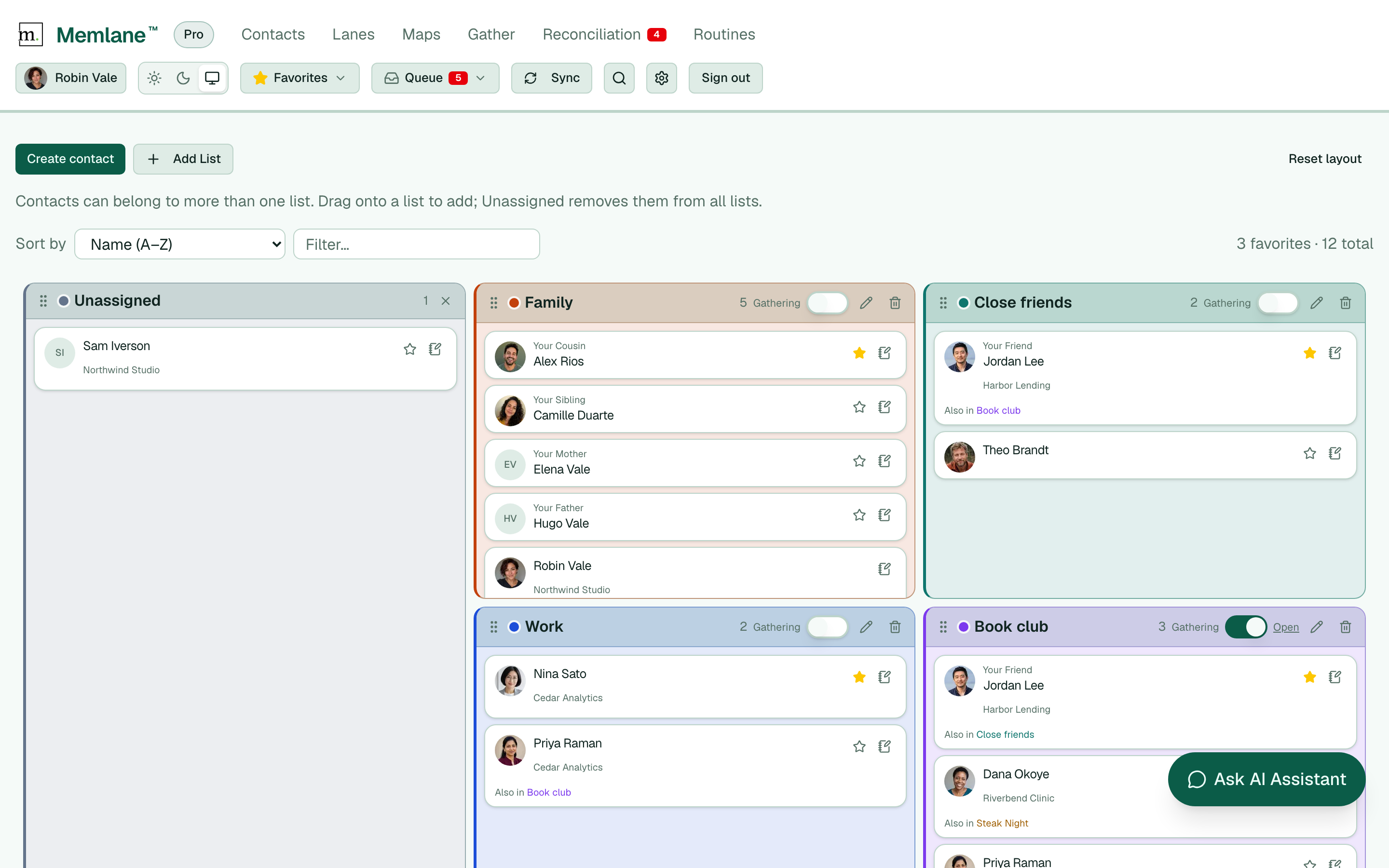
Saves go to Memlane first, then sync to iCloud or Google Contacts when that provider is connected. A name with no linked card may be a placeholder from Apple Contacts. You can still set its label until you link a real contact. See also Connect iCloud, Connect Google Contacts, and the Relationship Map.