
Relationship Map
Build and pan a relationship map from Related people links. Edit ties, explore the kinship tree, and see Free preview vs Memlane Pro.
The Relationship Map shows how people connect from your Related people links. Open Maps in the app navigation.
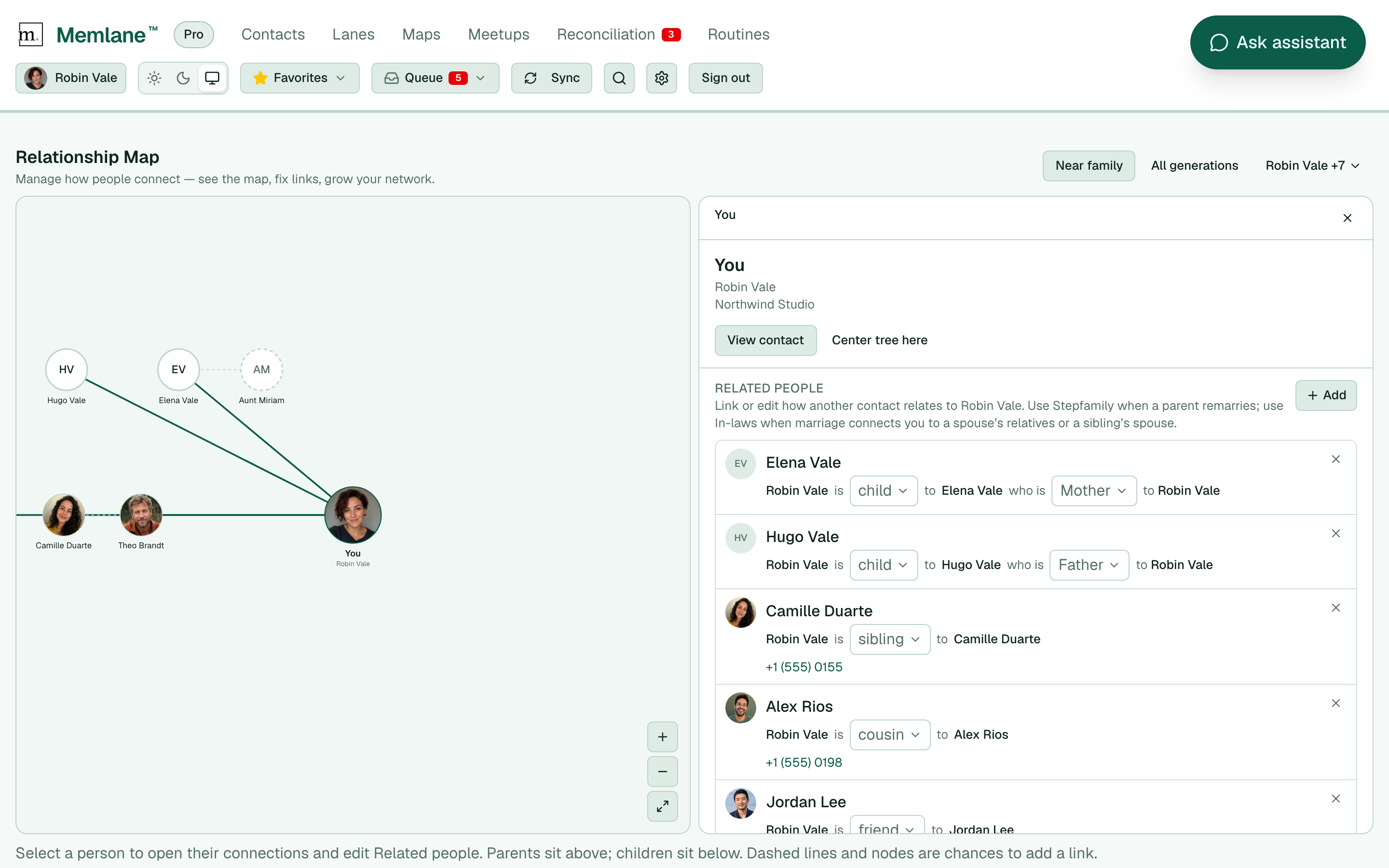
- Drag the canvas to pan. Use the wheel, pinch, or the zoom controls to zoom.
- Toggle Near family or All generations to change how many generations you see.
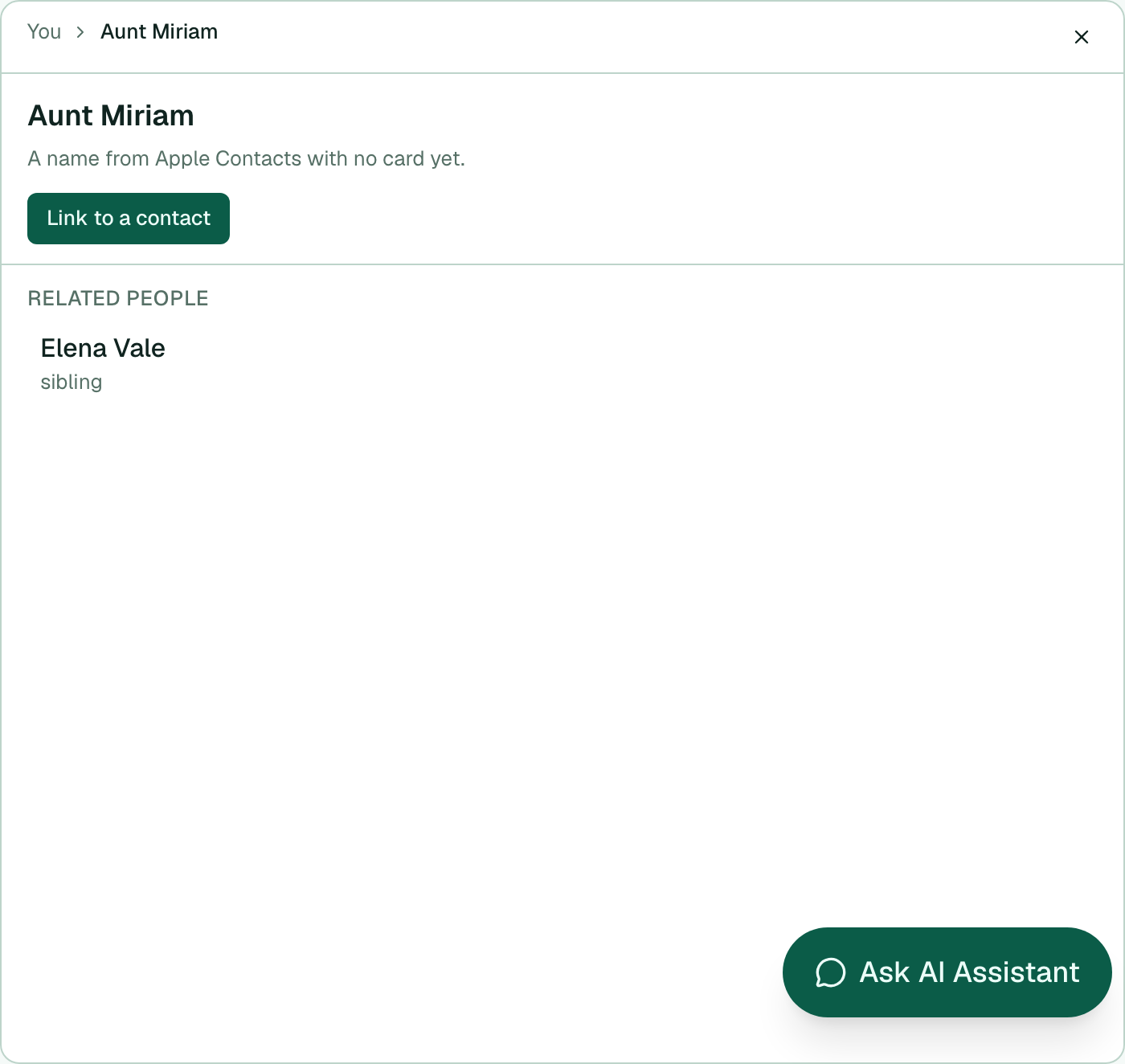
- Select a person to open the focus panel. Step through people to drill into their ties.
- With Memlane Pro, use Related people in the panel to add, remove, or relabel links.
- For a name with no card yet, select Link to a contact, search, and Save.
Free plans show you plus five direct connections; other people appear blurred and links stay read-only. Memlane Pro shows the full map and opens edits. Full Free vs Pro table: Memlane Pro.
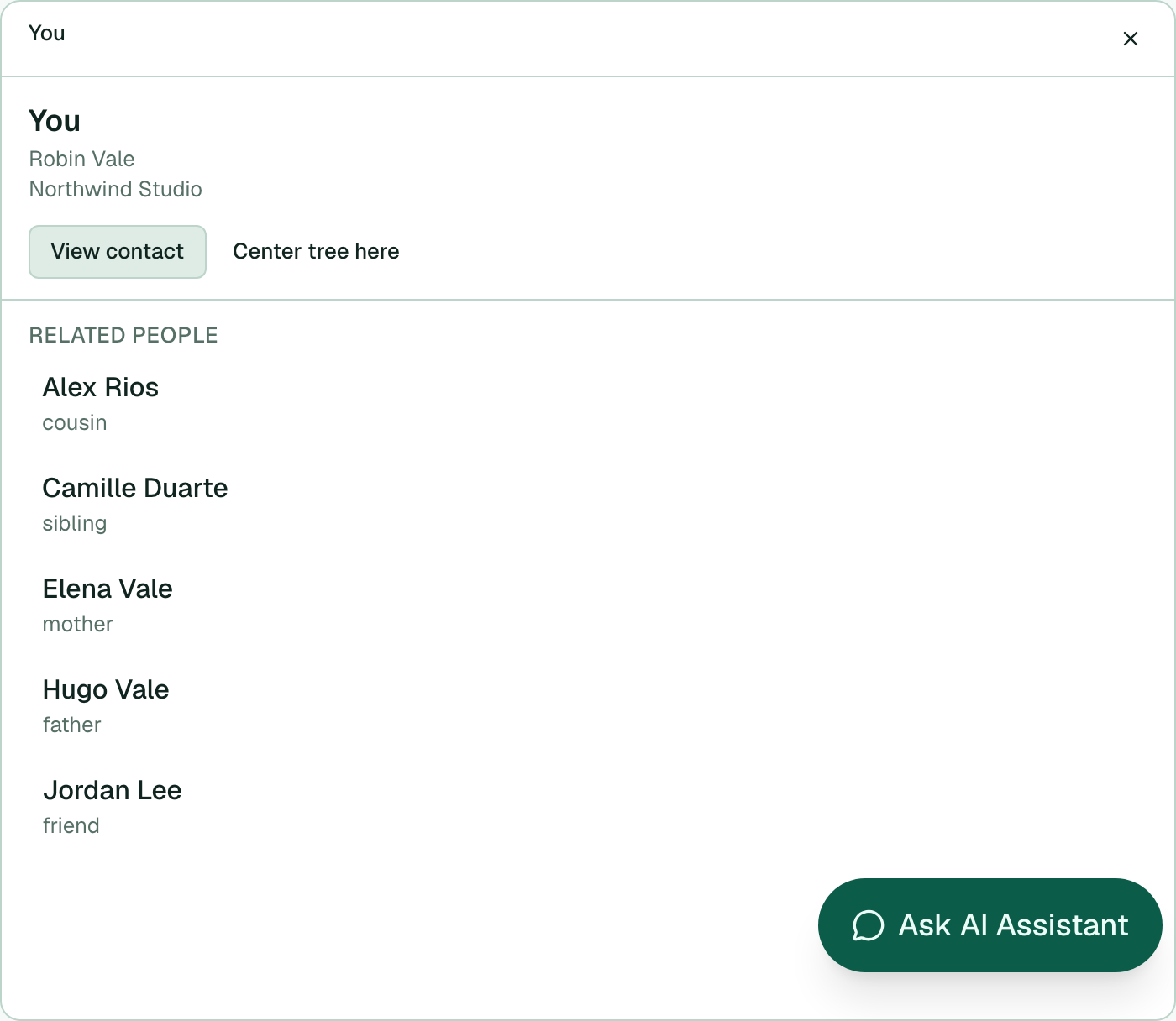
Build ties first in Related people.