
Quick Log
Log a connection, an optional note, and an optional next date in one step from a contact or the header.
Quick Log records a conversation in one Save: who started it, what to remember, and when to follow up.
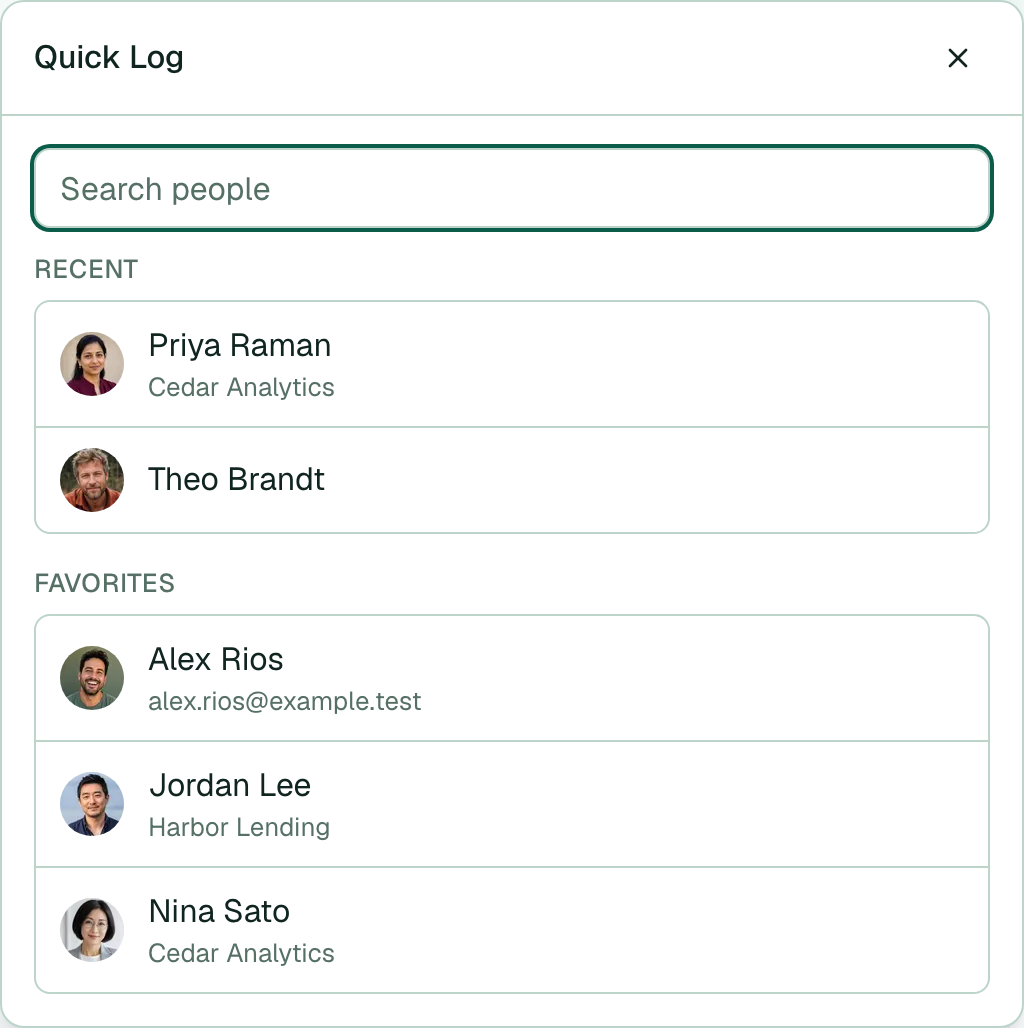
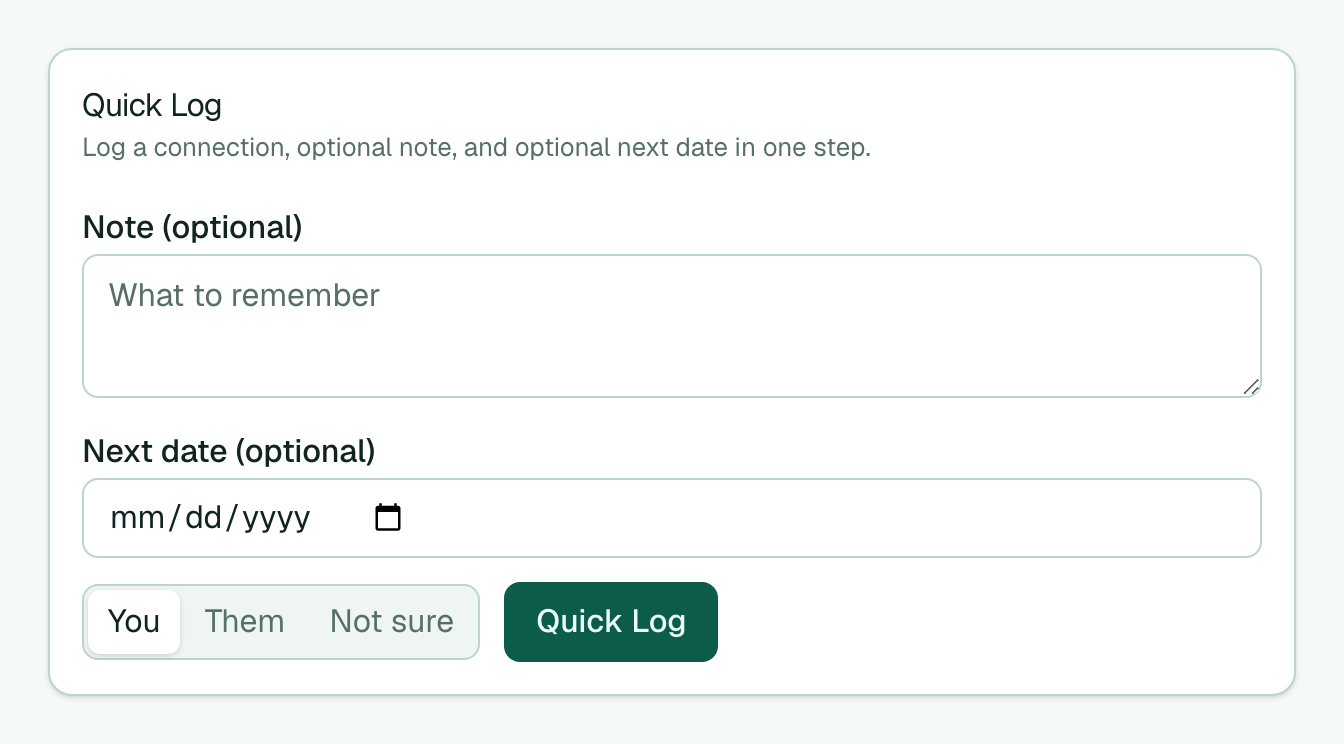
- Open a contact from the contacts board, or select the Quick Log control in the app header. Under search you see Recent (last one or two Quick Logs) and Favorites. Or type a name to search.
- Write a short Note (optional) (saved as a Significant Experiences memory dated today).
- Set a Next date (optional) (creates an open promise titled “Reach out to …” on that date).
- Choose who started it (You, Them, or Not sure).
- Select Quick Log.
Memlane always logs a connection. After Quick Log, it can ask Close any promises? if that person has open promises.
Tip: Use Log connection below Quick Log when you only need the direction log with no note or date.