
Reach-out schedules
Set a daily, weekly, or monthly cadence so Memlane nudges you to reconnect.
Use Reach-out nudge on a contact to set how often Memlane should remind you to reconnect.
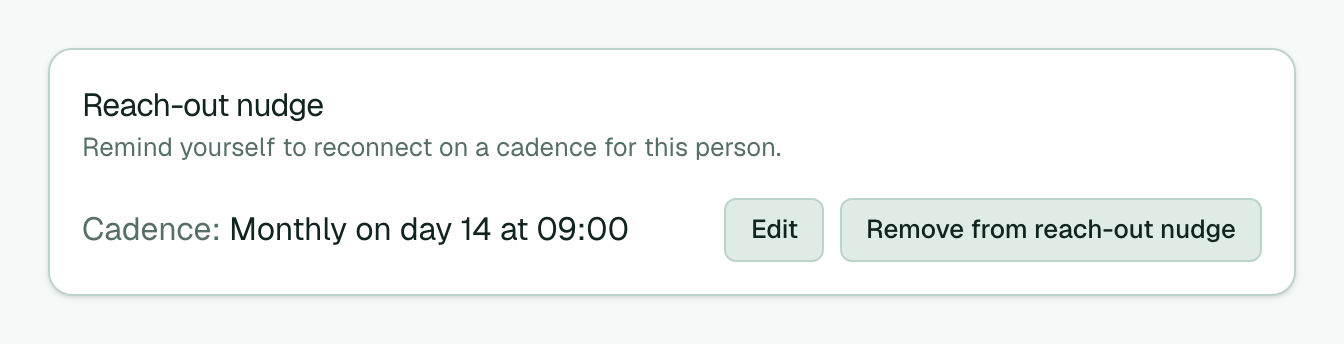
- Open a contact and find Reach-out nudge.
- Select Add to reach-out nudge if they are not on the routine yet.
- Select Edit, choose Daily, Weekly, or Monthly, set the time (and day if needed), then Save.
- When the cadence is due, the Reach-out nudge routine can add an item to your Queue.
- To stop reminders for that person, select Remove from reach-out nudge.
You can also edit cadence under Contacts on the Routines page. The default cadence is monthly.