
Let your AI agent work in Memlane
Memlane Pro hosts an MCP server so Grok, Cursor, and other agents can search contacts, update notes, and run your workflows with your yes on deletes.
Ask AI in the app can answer from your memories and make the same kinds of changes the MCP tools allow. Many people still live in Grok, Cursor, or another agent chat. They want that agent to find a person, add a note, move someone on a lane, or log a promise, without a second app window.
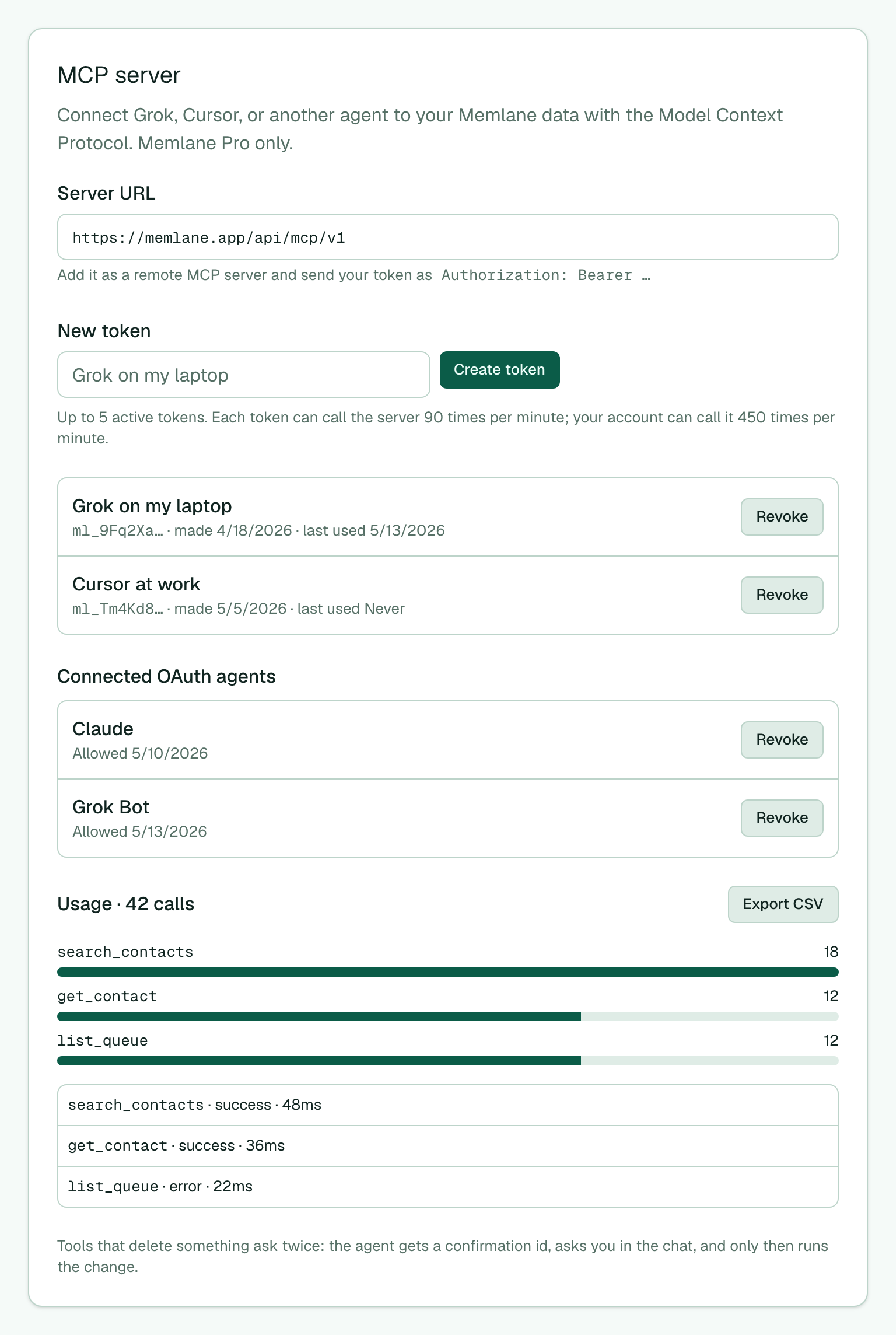
Memlane Pro now hosts a remote MCP server. MCP is the Model Context Protocol: a standard way for an agent to call tools. You create a personal access token in Settings → MCP server, paste the server URL into your agent, and send the token as Authorization: Bearer …. Agents that support OAuth can connect without a token. Memlane shows Allow on the consent screen. The agent then talks to the same contacts, notes, Lanes, Queue, Routines, promises, Relationship Map, Gather, and reconciliation inbox you use in the app.
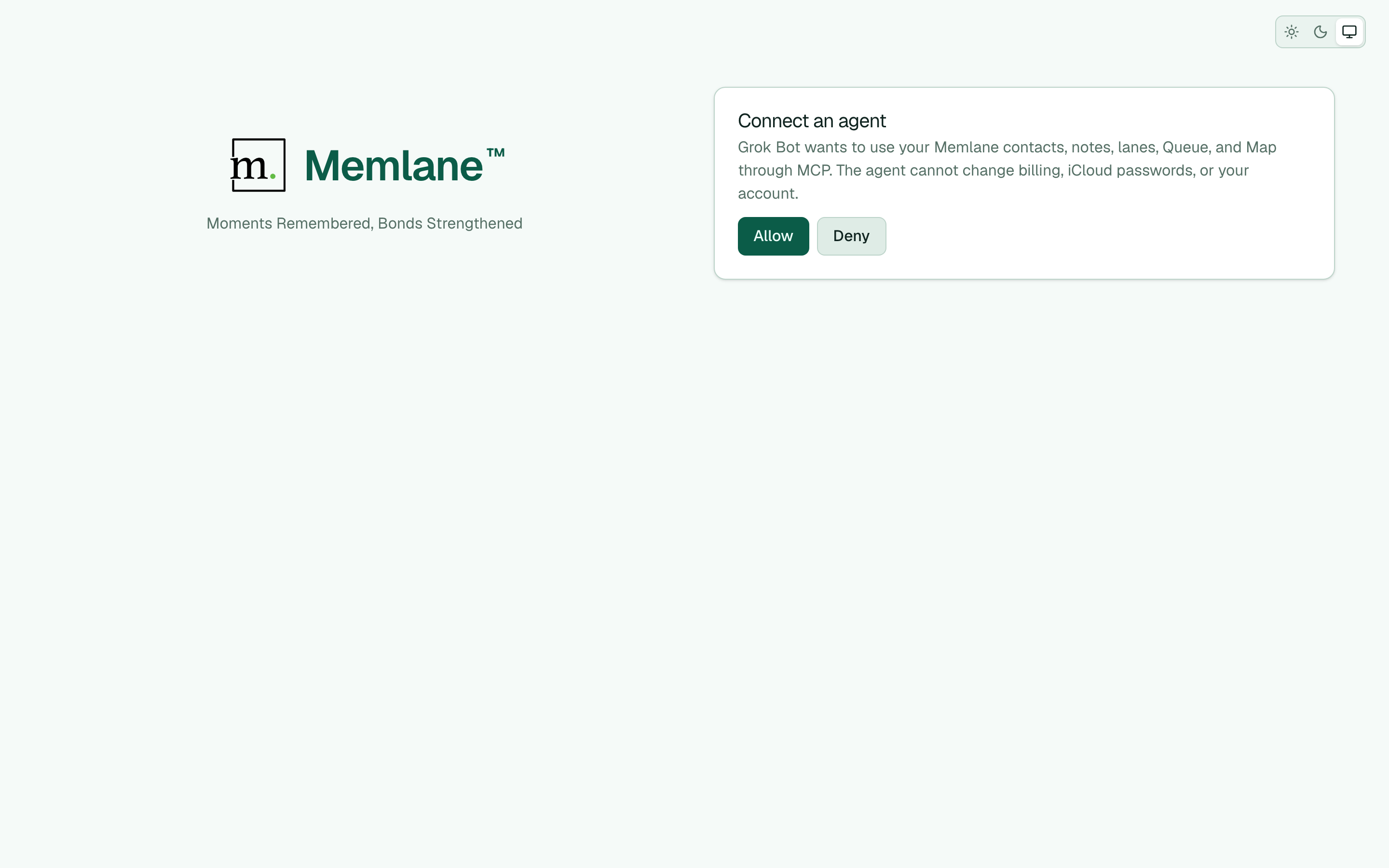
Deletes stay under your control. A destructive tool changes nothing on the first call. It returns a short summary and a confirmation id. The agent reads that summary to you. Only after you say yes does it finish the change. Billing, contact-sync credentials, and account deletion stay in the app.
The server is Memlane Pro only. Pro membership is checked on every request, so a revoke or a plan change stops the agent at once. Call limits are 90 per minute per token or OAuth grant, and 450 per minute per account.
Connect an agent with Connect an AI agent with MCP. Compare plans in Memlane Pro. For a Grok Bot walkthrough with Queue checks and real-world examples, read Connect Grok Bot to Memlane as your contact AI agent.